Every feature, one post at a time
Hands-on walkthroughs of Filmode on iPhone, iPad, Mac and Android — what each screen does, and how to get the look you want out of it.
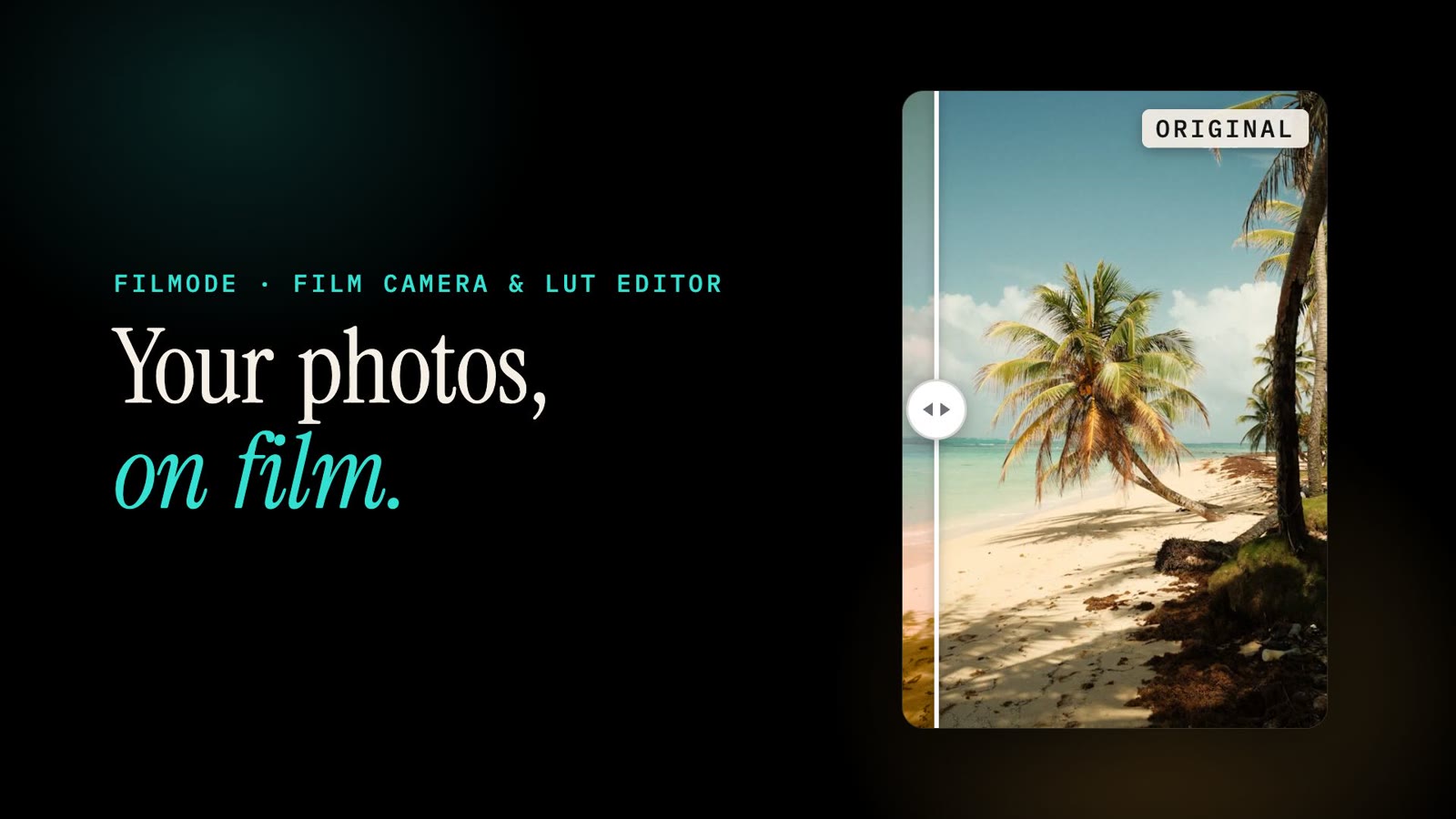
Filmode in 50 seconds — a guided tour of every feature on iPhone, iPad and Android
Watch the 50-second Filmode tour, then follow along: live film camera, looks, editor, Match Photo, Film Roll and Android, and what is free vs Pro.
5 min read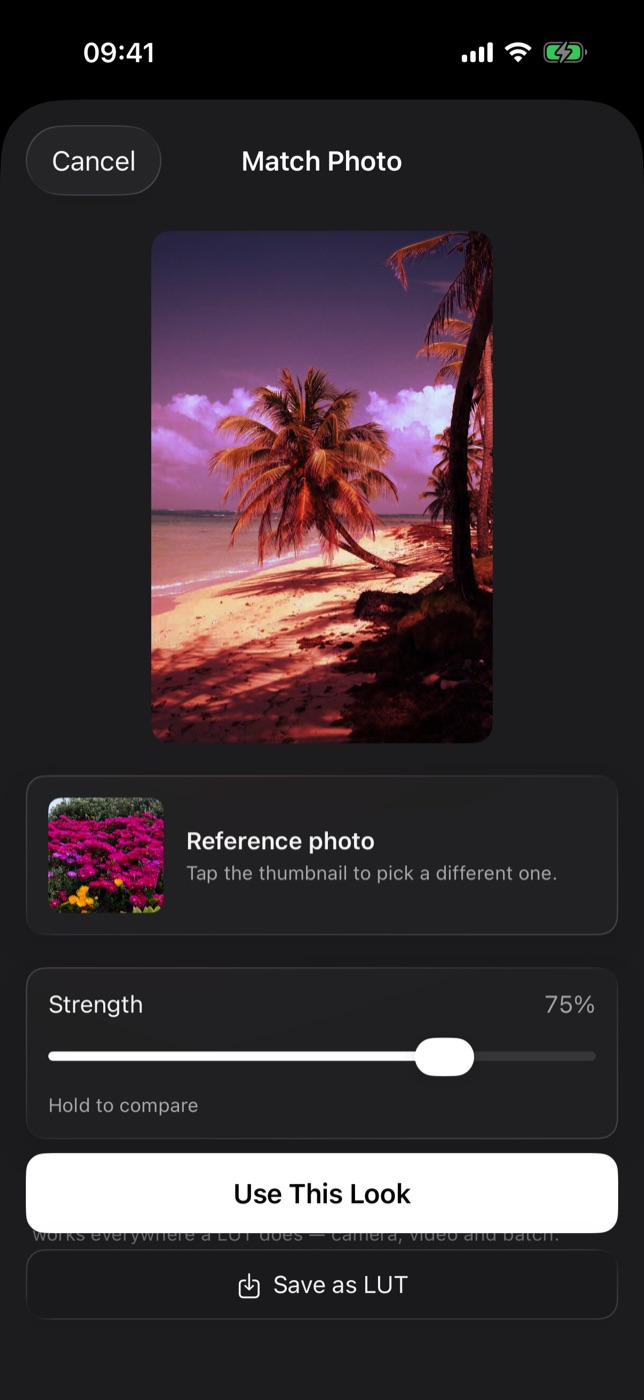
Match Photo on iPhone — copy the colour of any photo onto your own
Pick a reference photo, and Filmode rebuilds its colour as a LUT for the picture you are editing. Dial the strength, compare, and keep it as a look.
6 min read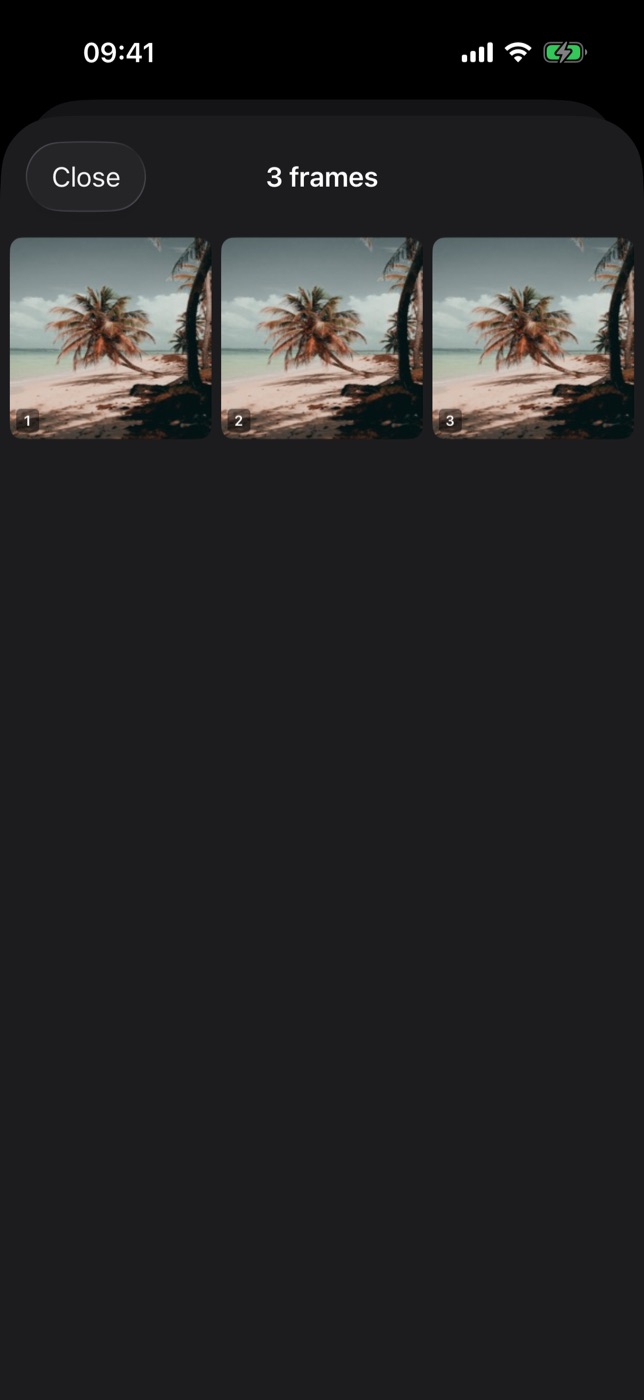
Film Roll on iPhone — load a roll, shoot it blind and wait for it to develop
Load a 12, 24 or 36-frame roll in the Filmode camera, shoot without previews or deleting, then open the whole roll at once as a contact sheet.
7 min read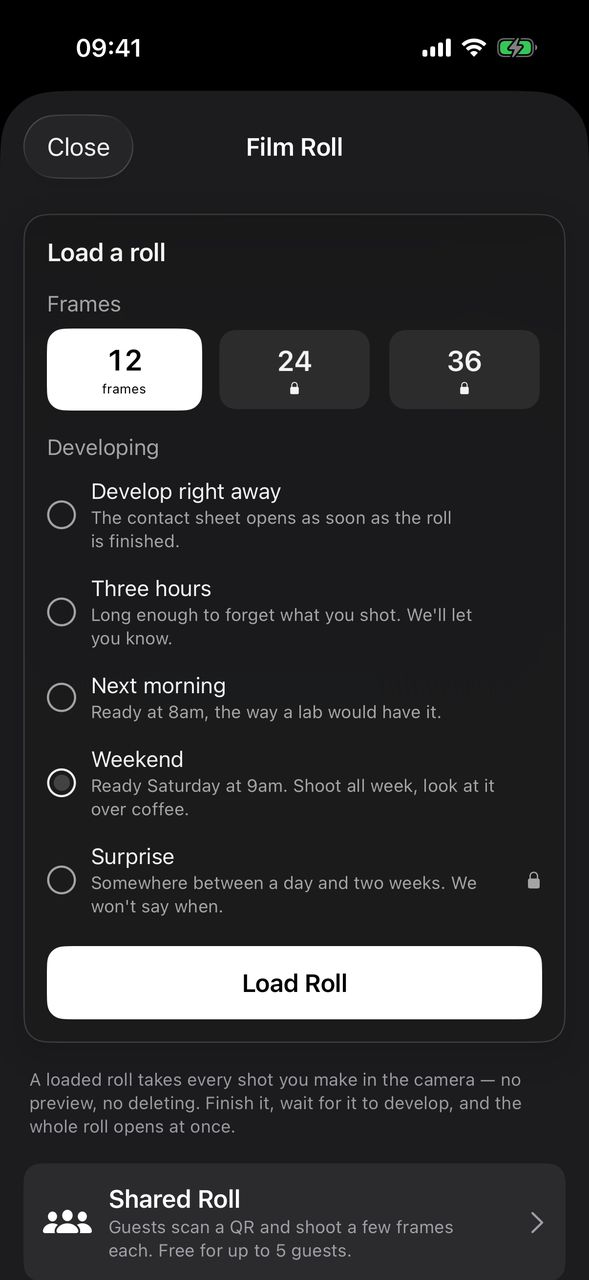
Weekend and Surprise develop — make your iPhone film roll wait like a real lab
Two new ways to develop a Filmode Film Roll: ready Saturday at 9am, or on a day between one and fourteen days away that the app never tells you.
4 min read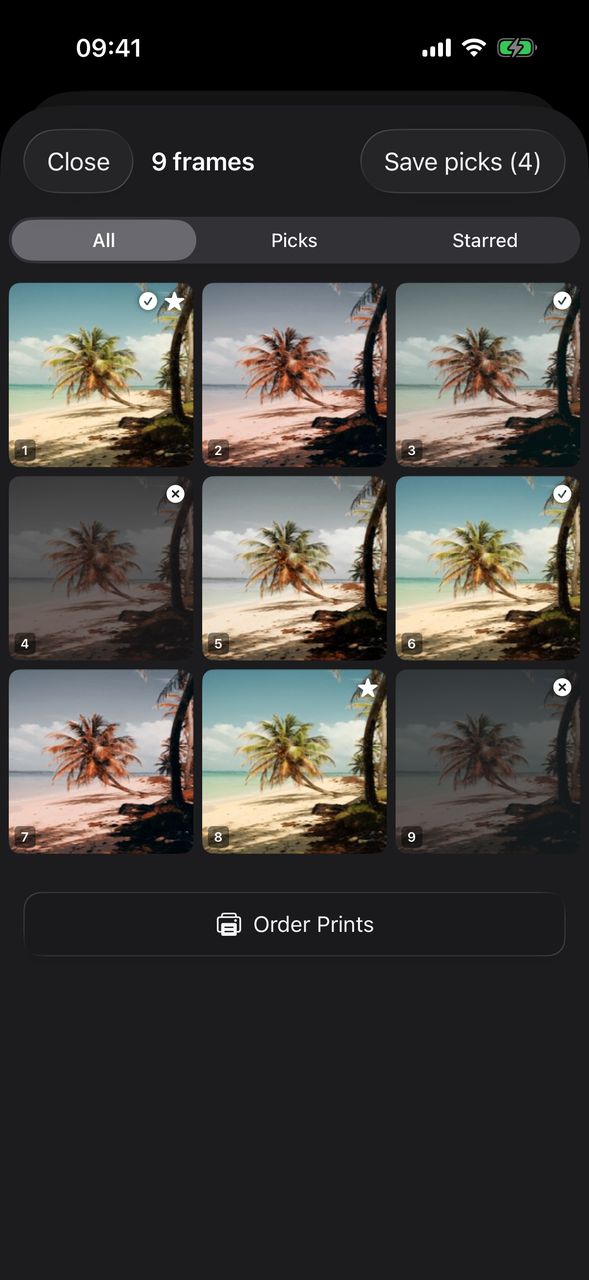
Cull a film roll on iPhone — pick, star and reject frames on the contact sheet
Go through a developed Filmode roll like a photographer: Pick, Star or Reject each frame, filter the contact sheet, then save only the keepers.
4 min read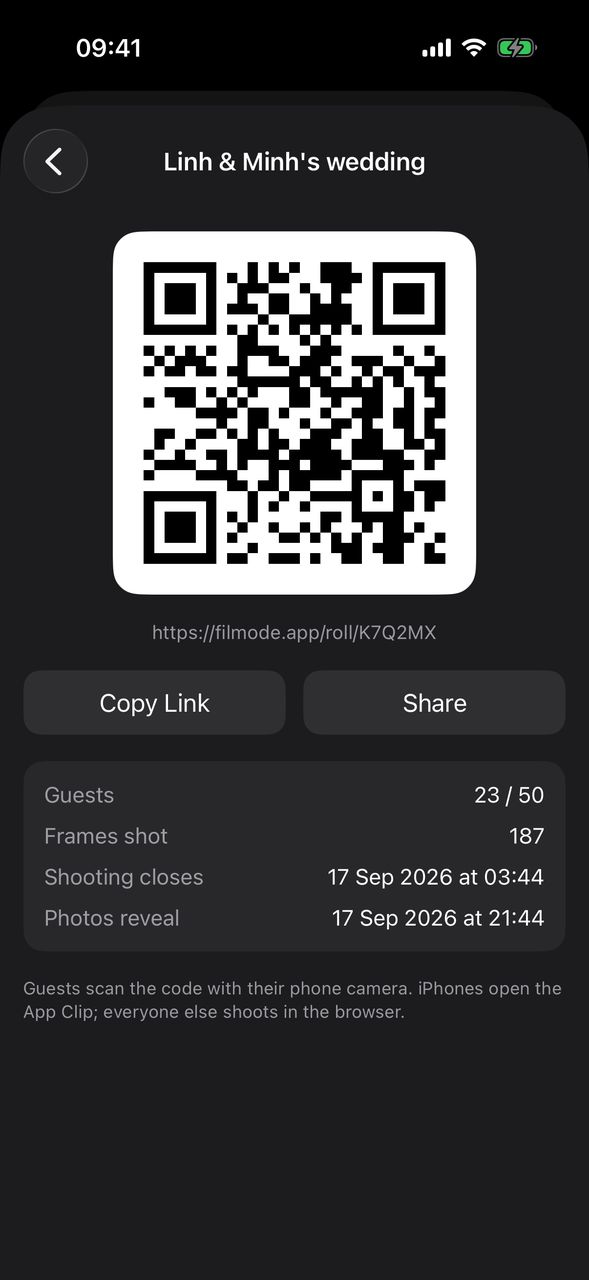
Shared Roll — a disposable camera for your wedding or party, with a QR code
Host a Filmode Shared Roll: guests scan a QR, shoot a few frames each with no app or account, and every photo stays hidden until the reveal time.
6 min read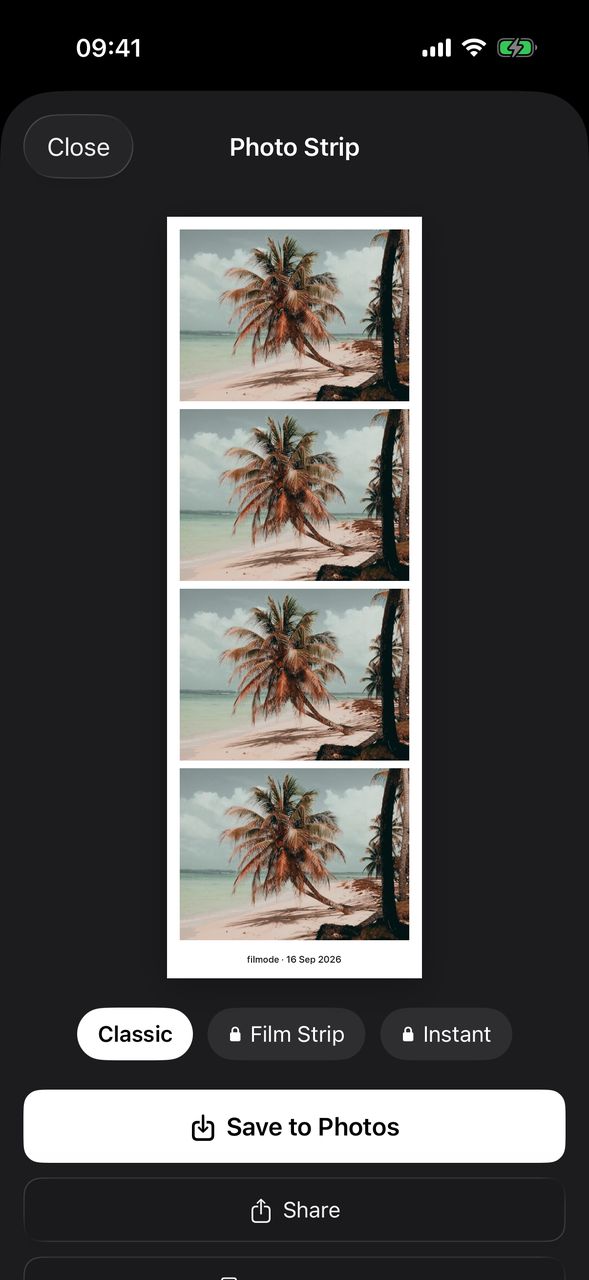
Booth Mode — a four-shot photo booth strip on your iPhone camera
Turn the Filmode camera into a photo booth: four timed shots, laid out down one strip with your look applied, ready to save or share.
4 min read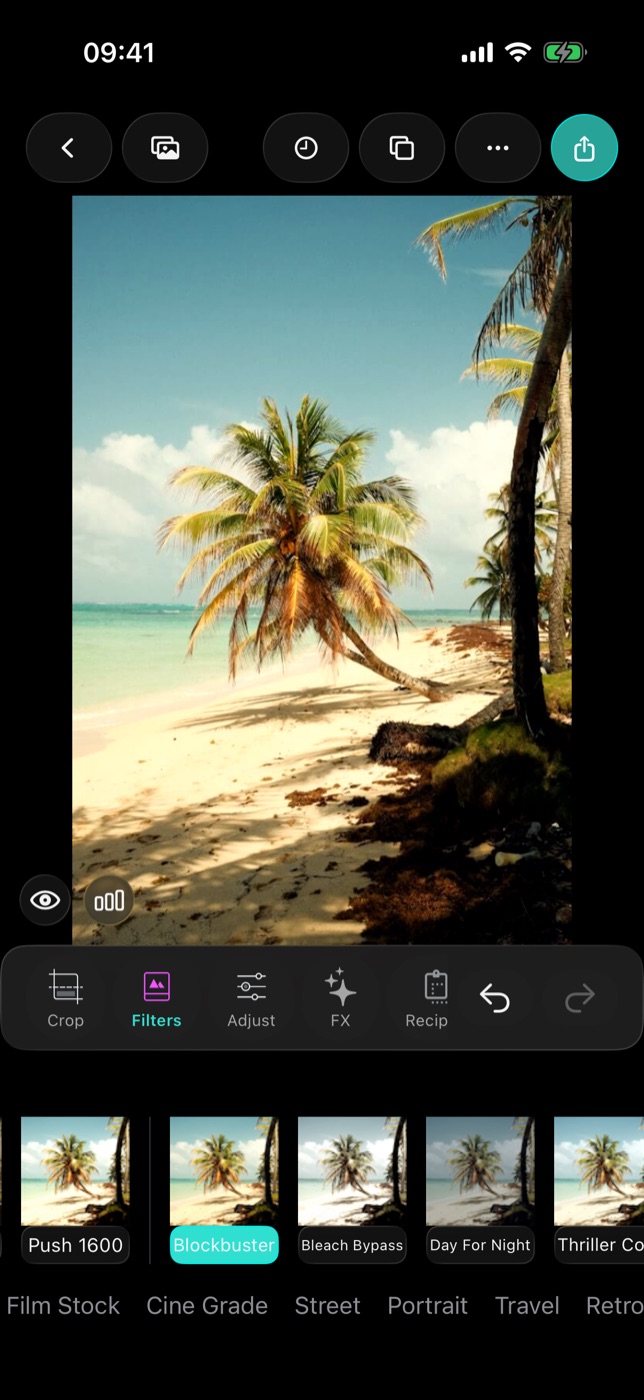
100 trend looks in Filmode — six packs and how to pick the right one
Film Stock, Cine Grade, Street, Portrait, Travel and Retro Digital: how to find the 100 trend looks in the Filmode editor and which to use for each scene.
4 min read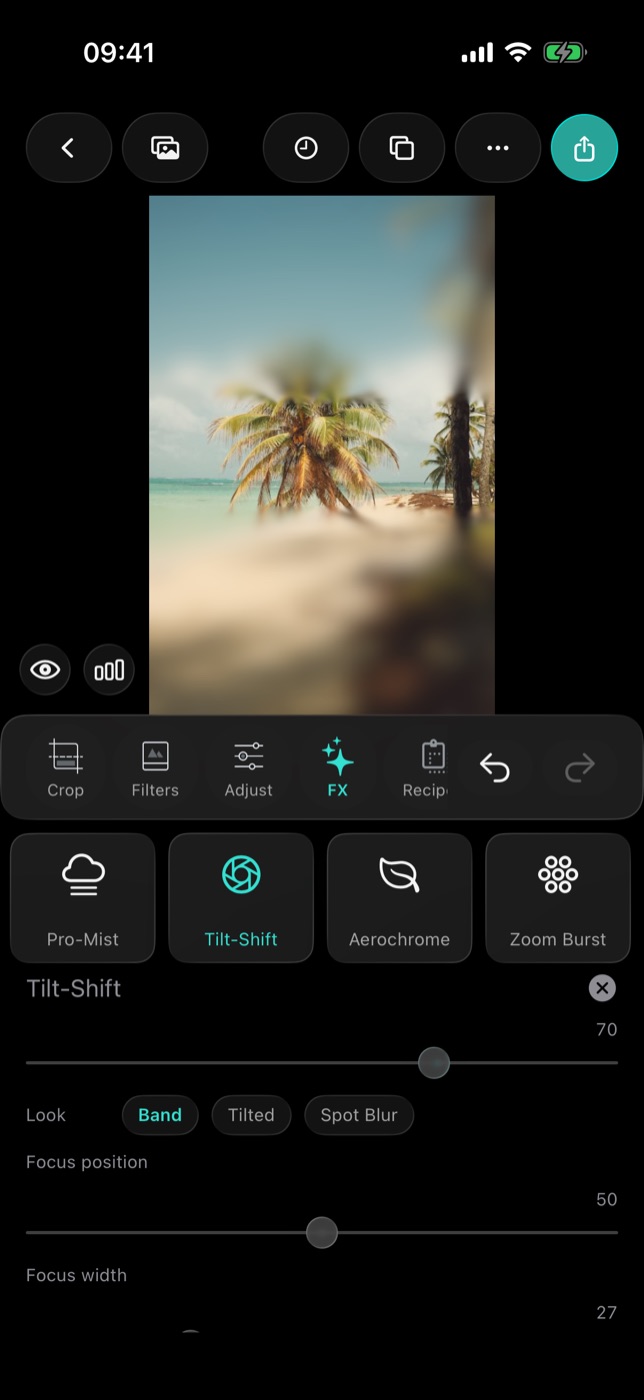
Pro optics on iPhone — anamorphic flare, Pro-Mist, tilt-shift, Aerochrome and zoom burst
Five lens and filter effects in the Filmode editor, each with controls that behave like the real glass. Where to find them and how to set each one.
6 min read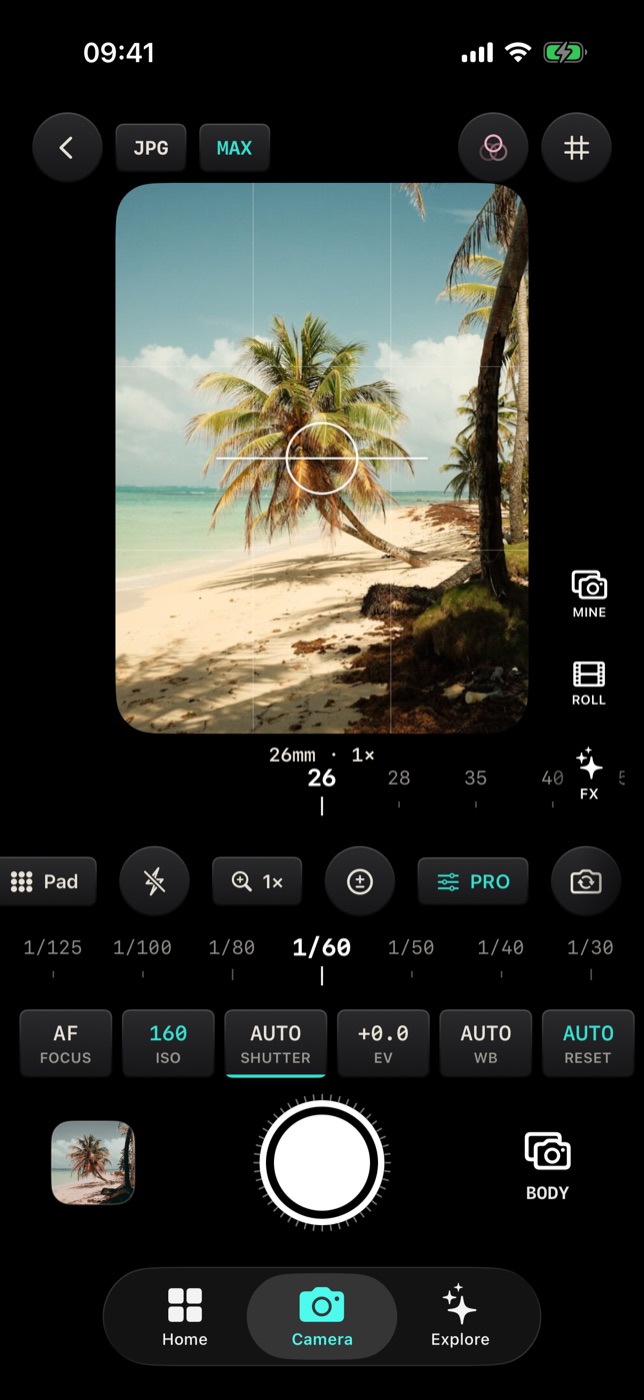
Manual camera controls on iPhone — ISO, shutter, focus, EV and white balance in Filmode
Open the PRO panel in the Filmode camera to set focus, ISO, shutter speed, exposure compensation and white balance by the stop, while shooting through a look.
6 min read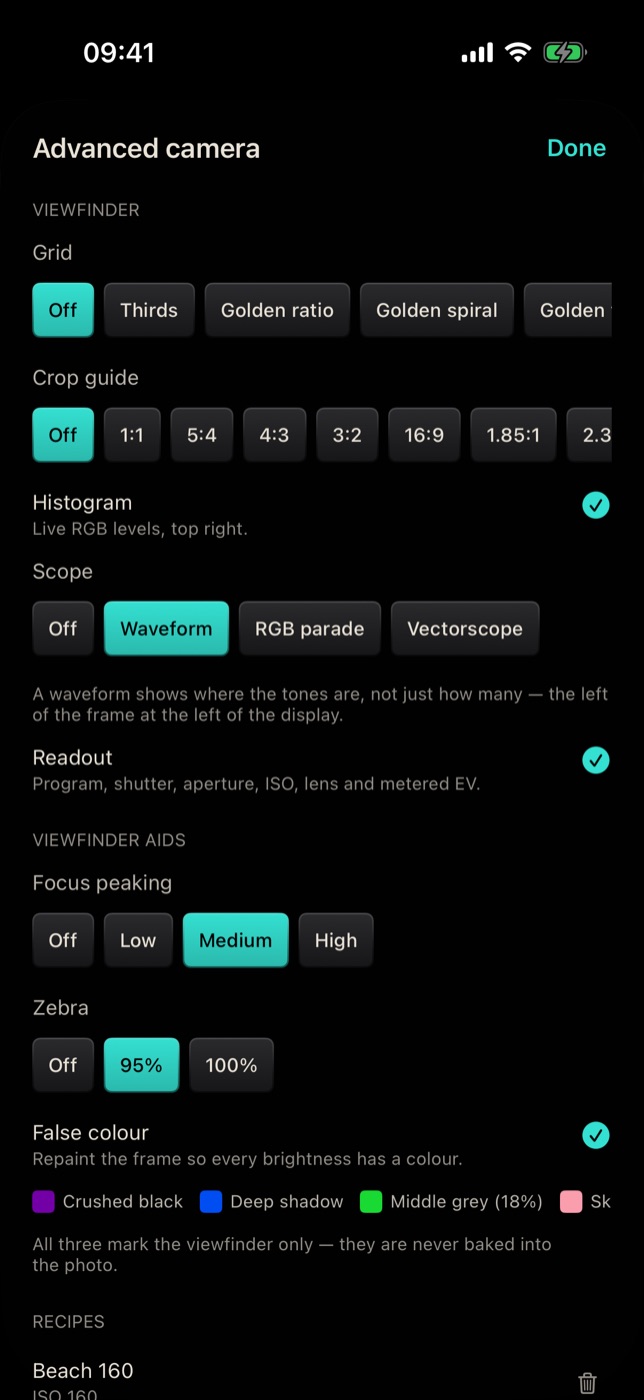
Exposure aids on iPhone — histogram, waveform, focus peaking, zebra and false colour
Read exposure and focus like a cinema camera: turn on the histogram, scopes, focus peaking, zebra and false colour in the Filmode camera's Advanced settings.
6 min read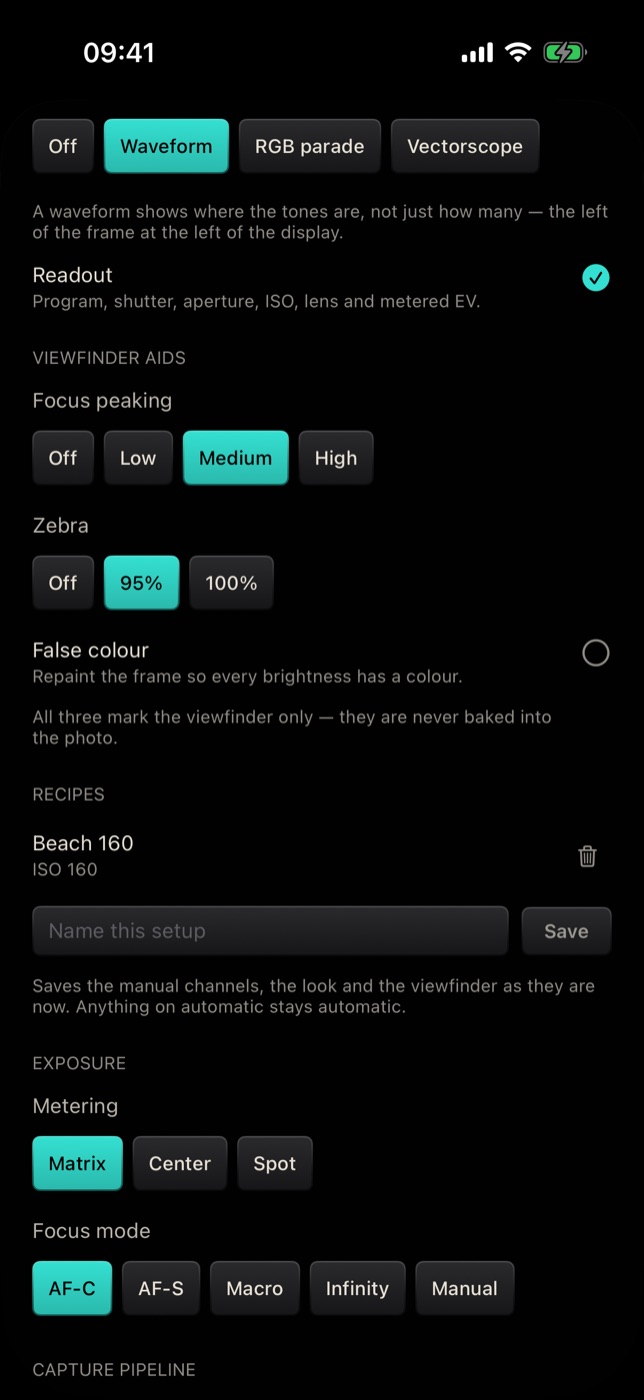
Camera recipes on iPhone — save your whole camera setup and recall it in one tap
Save manual exposure, the look, focus, metering and viewfinder aids as a named recipe in the Filmode camera, then put the camera back that way with one tap.
4 min read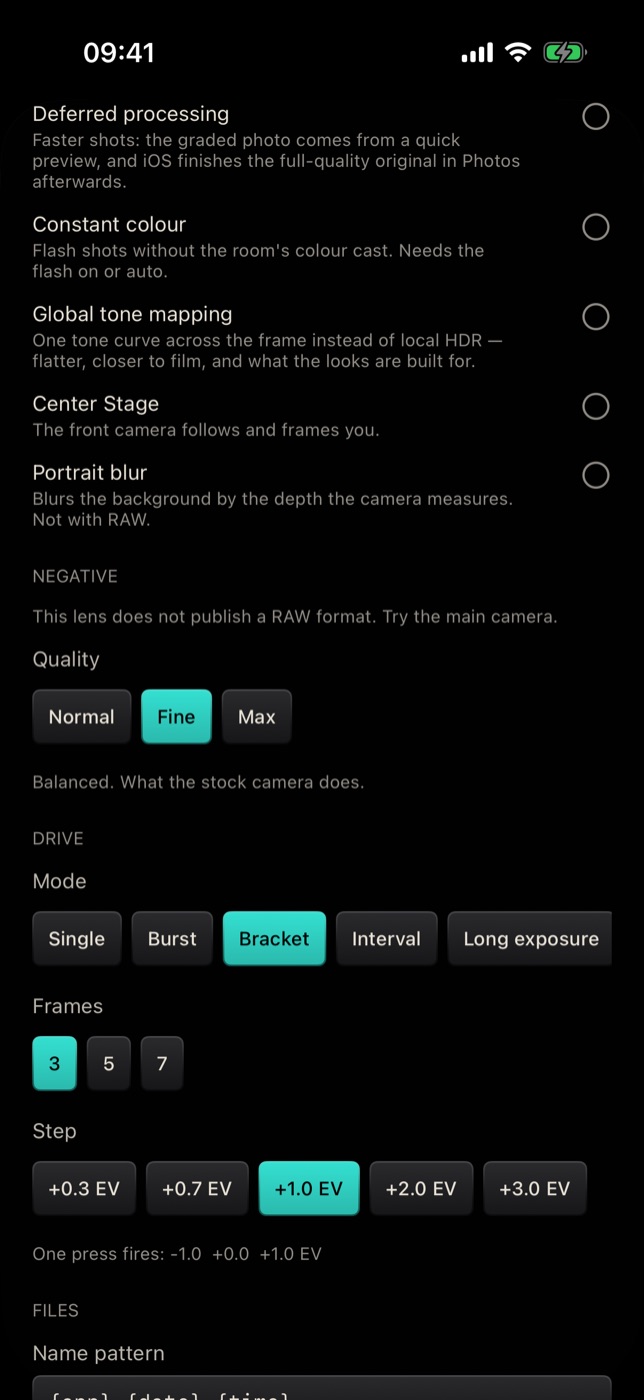
Drive modes on iPhone — burst, bracketing, interval, long exposure, focus stacking and dual shot
Set the Filmode camera to shoot bursts, exposure brackets, timelapses, long exposures, focus stacks and dual shots, plus RAW, quality and file settings.
7 min read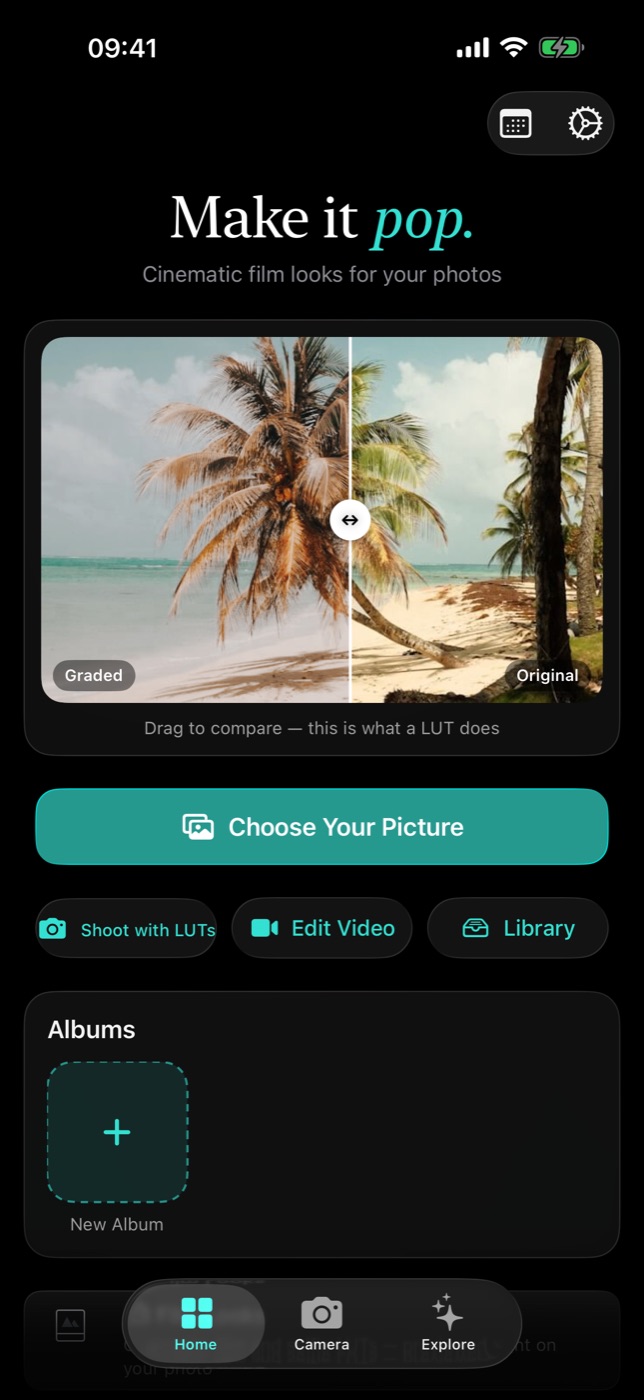
Getting started with Filmode — from first launch to first export
The five onboarding pages, the Home hub, and the auto-saved projects grid. Everything you need to grade your first photo in under a minute.
3 min read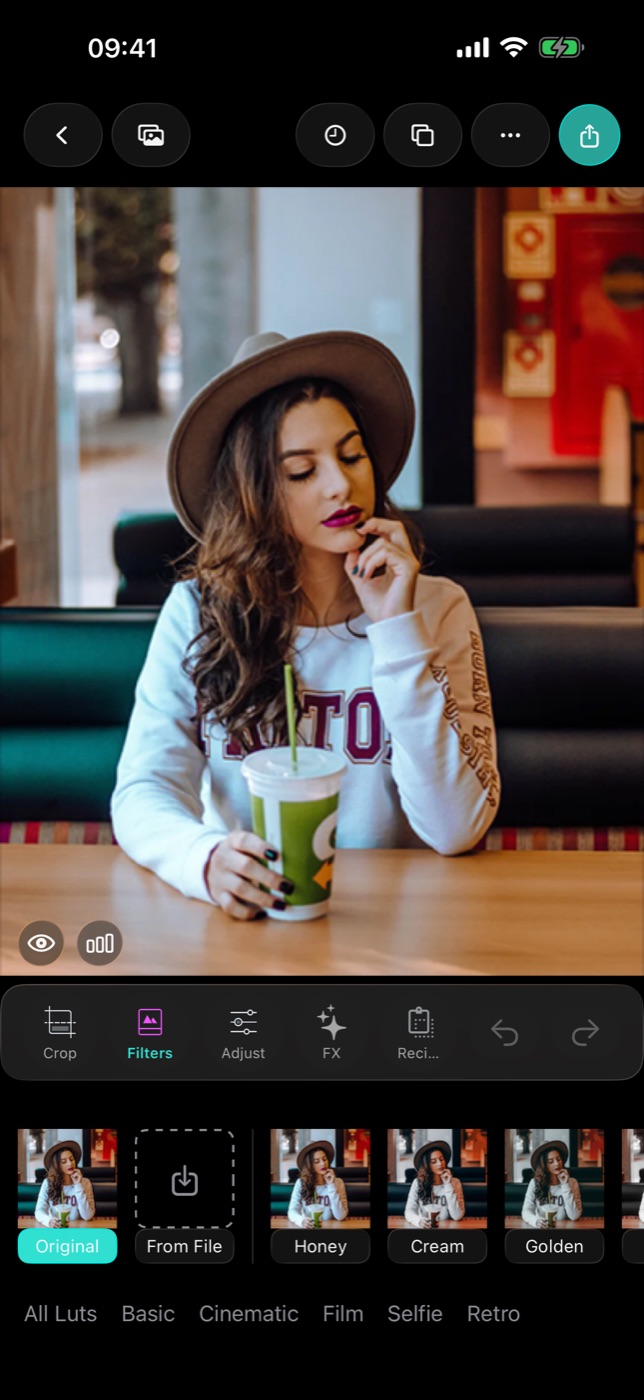
How to edit a photo in Filmode — the complete walkthrough
Open a photo, grade it, adjust it, add film effects, crop, compare, and export it framed. Every button in the photo editor, in the order you actually use them.
6 min readGrading with film LUTs — collections, intensity, favorites and recipes
Filmode ships 40+ LUTs across five collections, previewed on your own photo. Here is how intensity, favorites and recipes turn a one-tap look into a repeatable one.
3 min read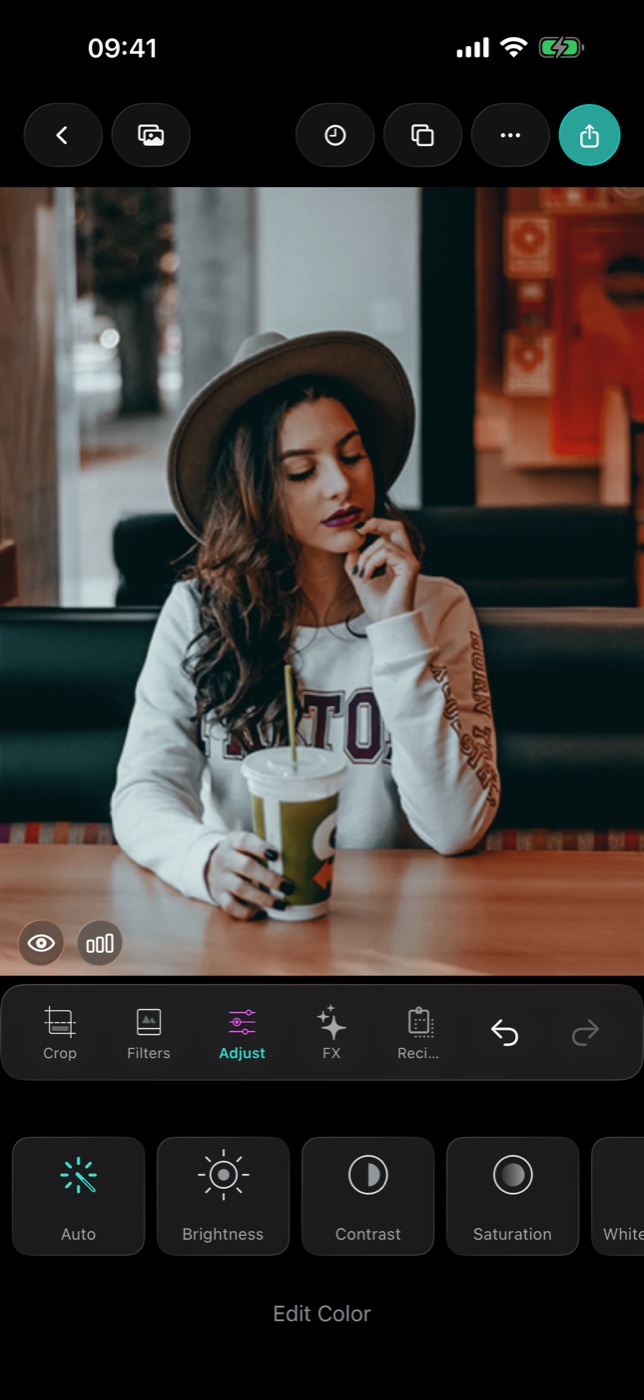
Beyond the preset — 13+ manual adjustments, curves, HSL and the histogram
Exposure, tone, HSL, curves, clarity, fade and vignette, with detented sliders, a live RGB histogram and hold-to-compare. The part of Filmode that makes a look yours.
3 min read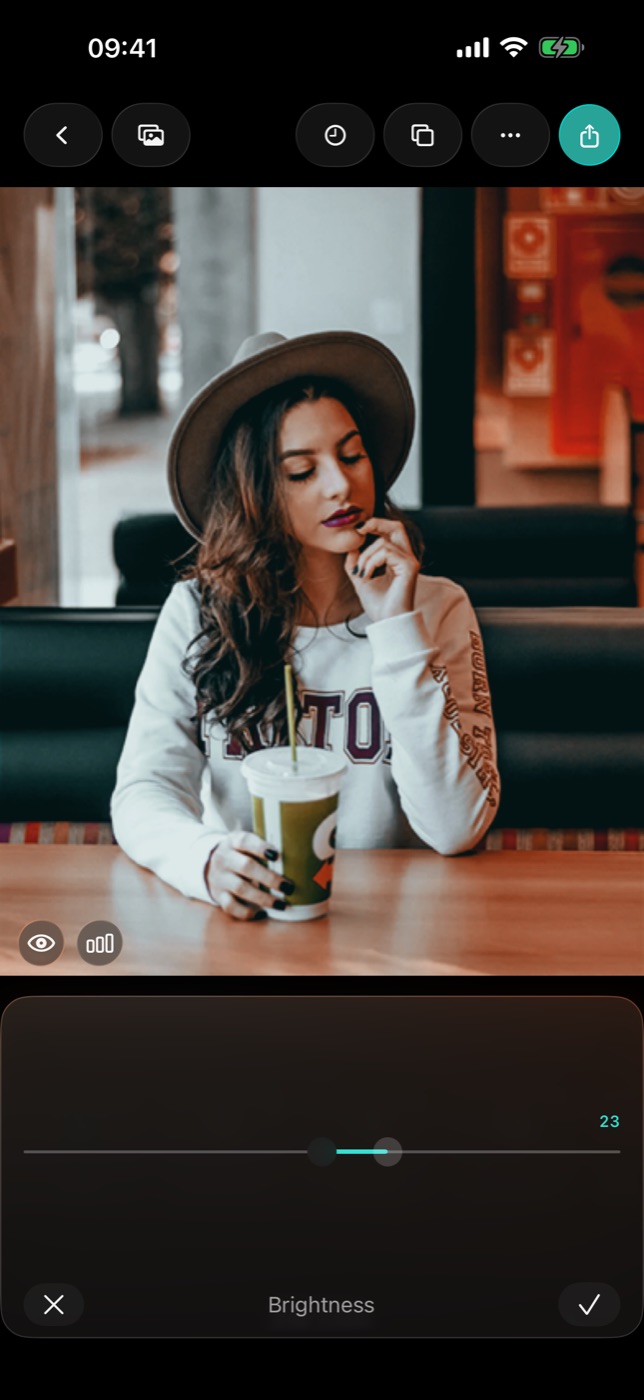
Fixing colour: white balance, the eyedropper, and Auto
Why your indoor photos look orange, how the eyedropper corrects a whole frame from a single pixel, and what Auto actually changes.
3 min readCurves, Tone and HSL — the three tools that separate an edit from a filter
The tone curve, split-toned highlights and shadows, and per-colour hue, saturation and luminance. What each one is for, and the order to use them in.
4 min read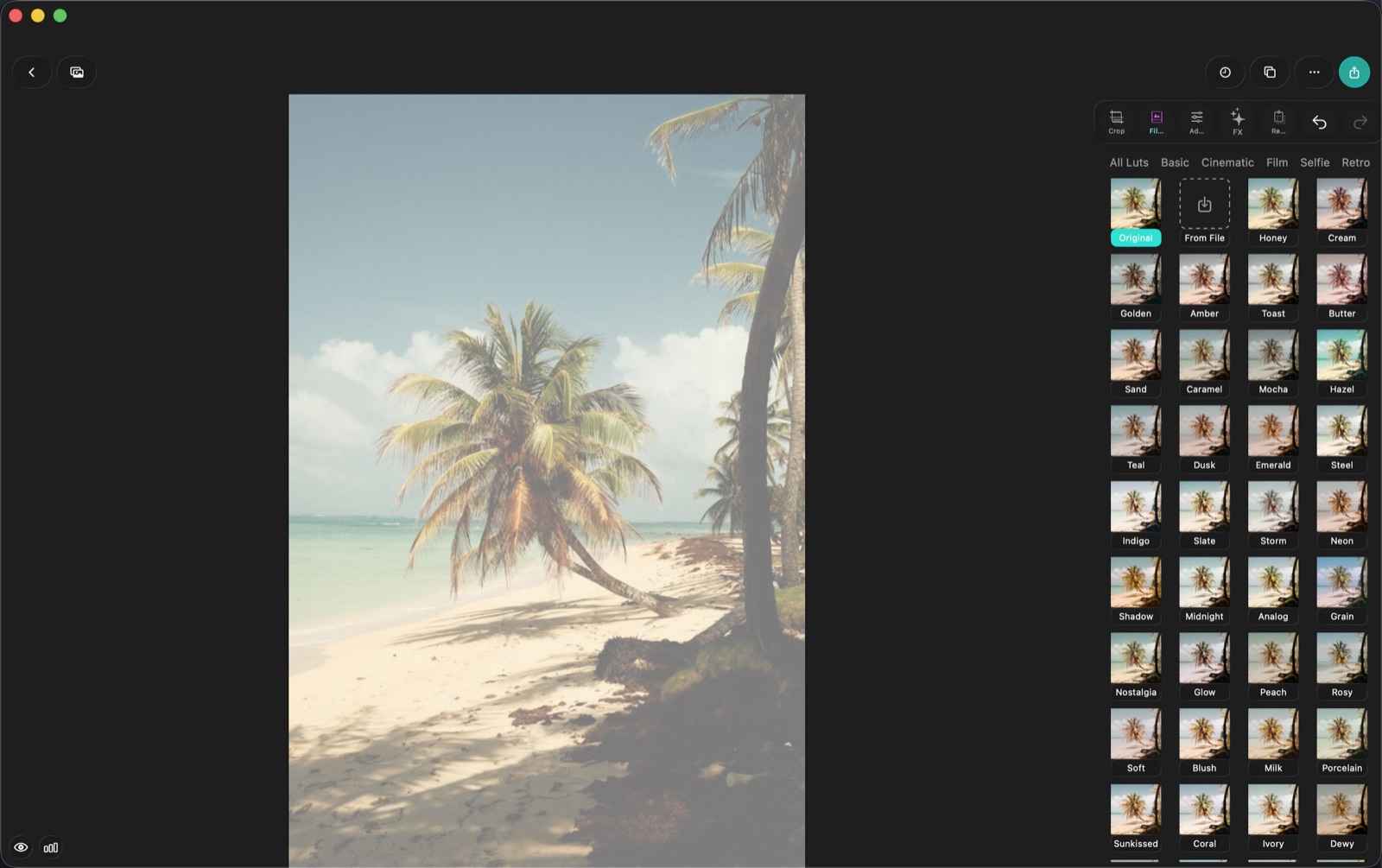
Crop, straighten and reframe — composition after the shutter
Aspect ratios that suit each platform, why a one-degree rotation fixes more photos than any slider, and the reason crop is the first tool in the row.
3 min read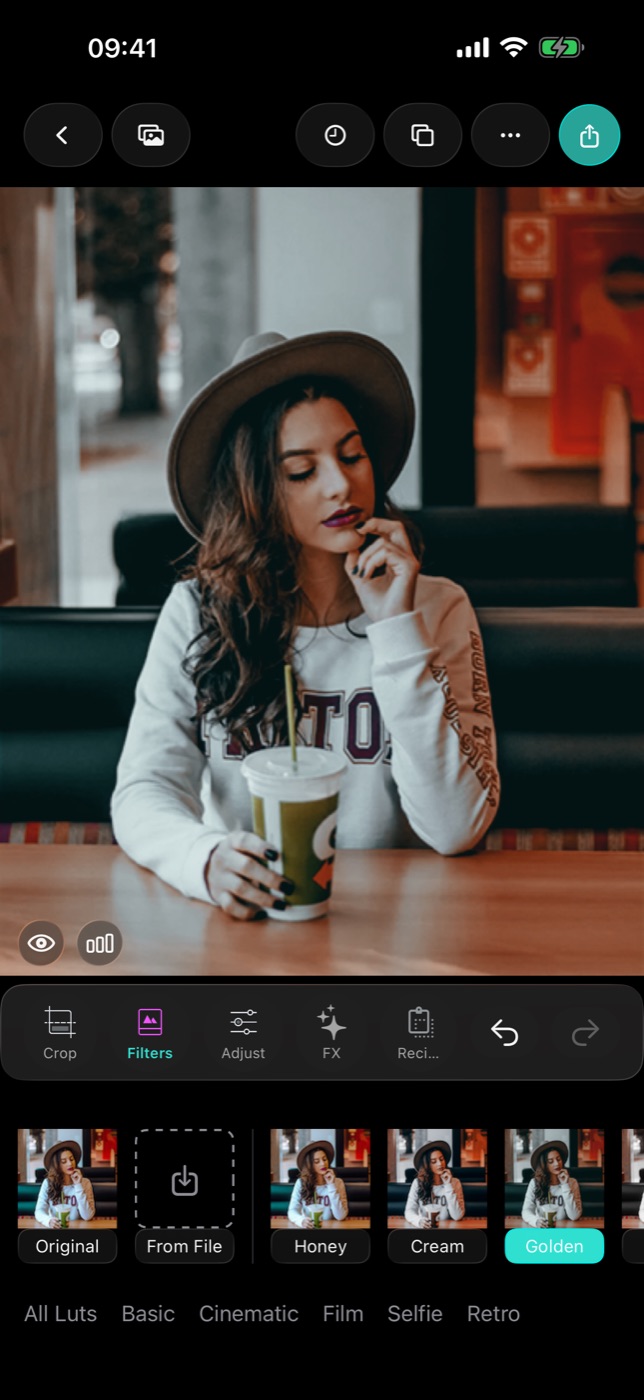
The 25 film effects, and when each one is the right answer
Grain, halation, light leaks, VHS, prism, duotone, relight — every FX tile in the photo editor, what it actually does to a frame, and the strength that keeps it believable.
4 min readRemove Spots and Body Retouch — retouching without the plastic look
Tap-to-heal for blemishes and dust, four body reshaping tools with live preview, and the restraint that keeps a portrait looking like a person.
3 min readRecipes — save a look once, use it forever
Saving your edit as a named recipe, pasting the last edit onto a new photo, and exporting a look as a .cube LUT or an .xmp preset other apps can read.
3 min readBring your own looks — importing .cube LUTs, LUT images and .xmp presets
Three preset formats, where to find them, what happens to each one on import, and why an Adobe preset can arrive as a recipe rather than a filter.
3 min read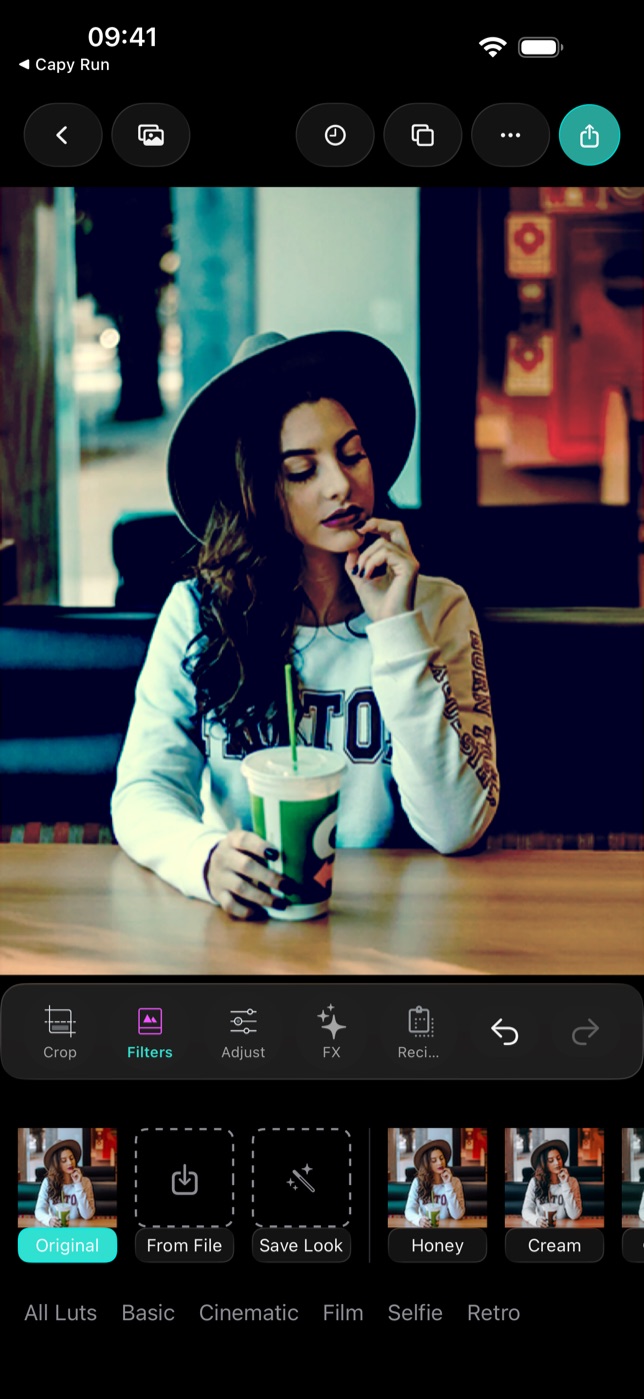
Make your own LUT on iPhone — save any edit as a reusable look and export it as .cube
Filmode now bakes your colour edits into a personal 3D LUT. One tap turns a grade into a filter you can apply to any photo, shoot with live in the camera, and export as a .cube file for Lightroom, Premiere, Resolve or CapCut.
10 min read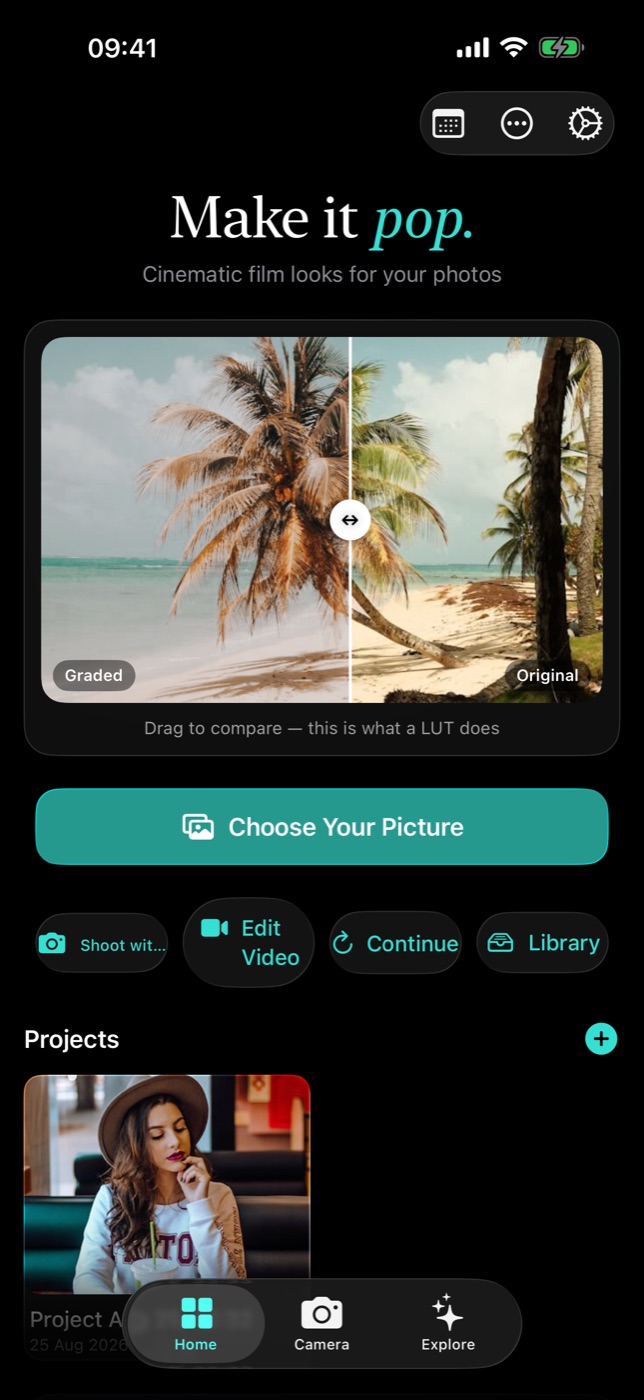
Batch Edit — one look, a whole shoot, one tap
Apply your current edit or a preset file to dozens of photos at once, at full resolution, and save the lot to your camera roll.
3 min readProjects and History — nothing you edit is ever lost
The editor saves your work when you leave, keeps your last five edits one tap away, and reopens any project with its settings intact.
3 min readFive looks, five scenes — step-by-step edits you can copy
Exact starting points for portraits, street, food, landscape and film-style photos: which collection, which sliders, which effects, in which order.
4 min read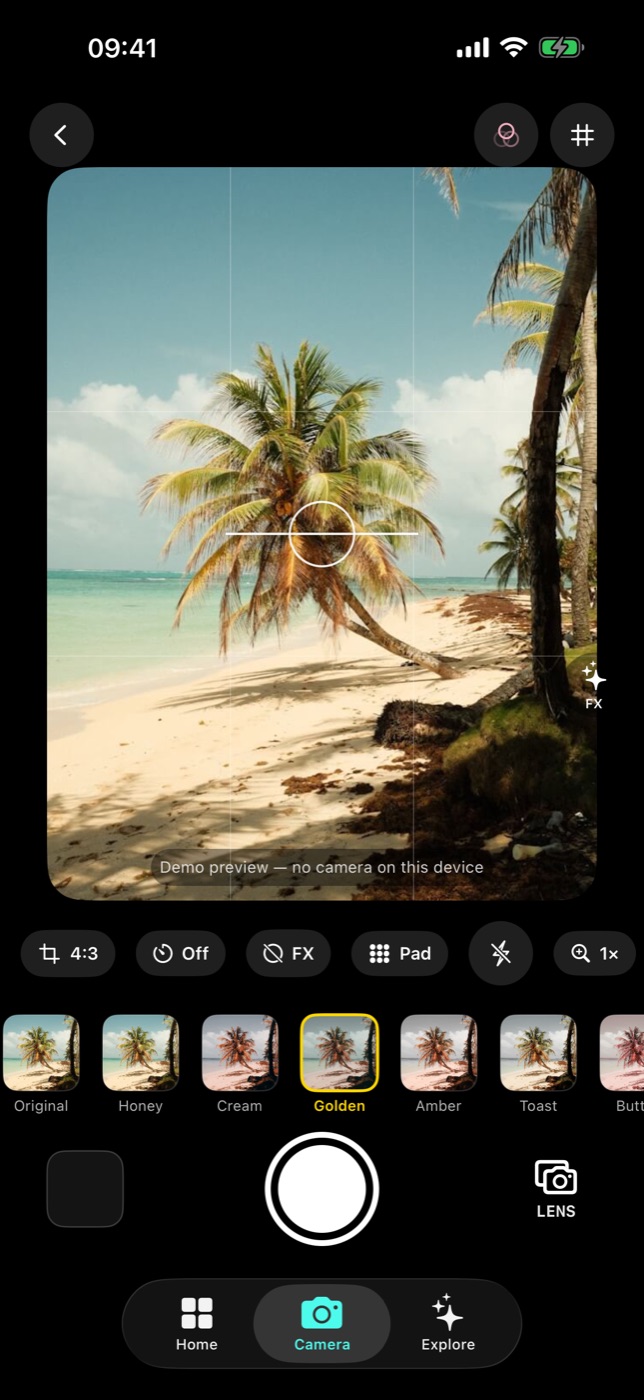
The Live LUT Camera — compose with the look already on
A Metal-backed viewfinder that grades at ~30fps, virtual film-camera bodies, and a shutter that bakes the LUT into the file. Plus the App Clip that opens it from a QR code.
3 min read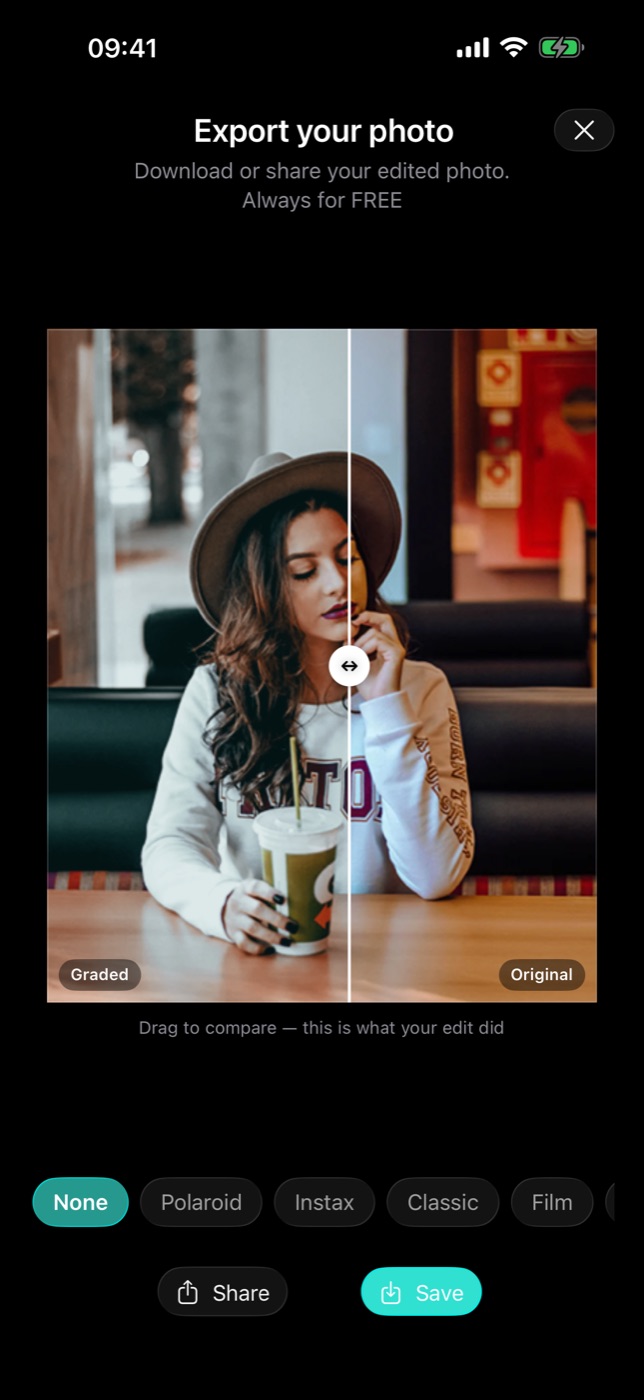
Export, compare and frame — the last screen before you post
A drag-to-compare slider that shows exactly what your edit did, print-style frames with captions, full-resolution HEIC/JPEG/PNG — and no paywall on saving.
2 min read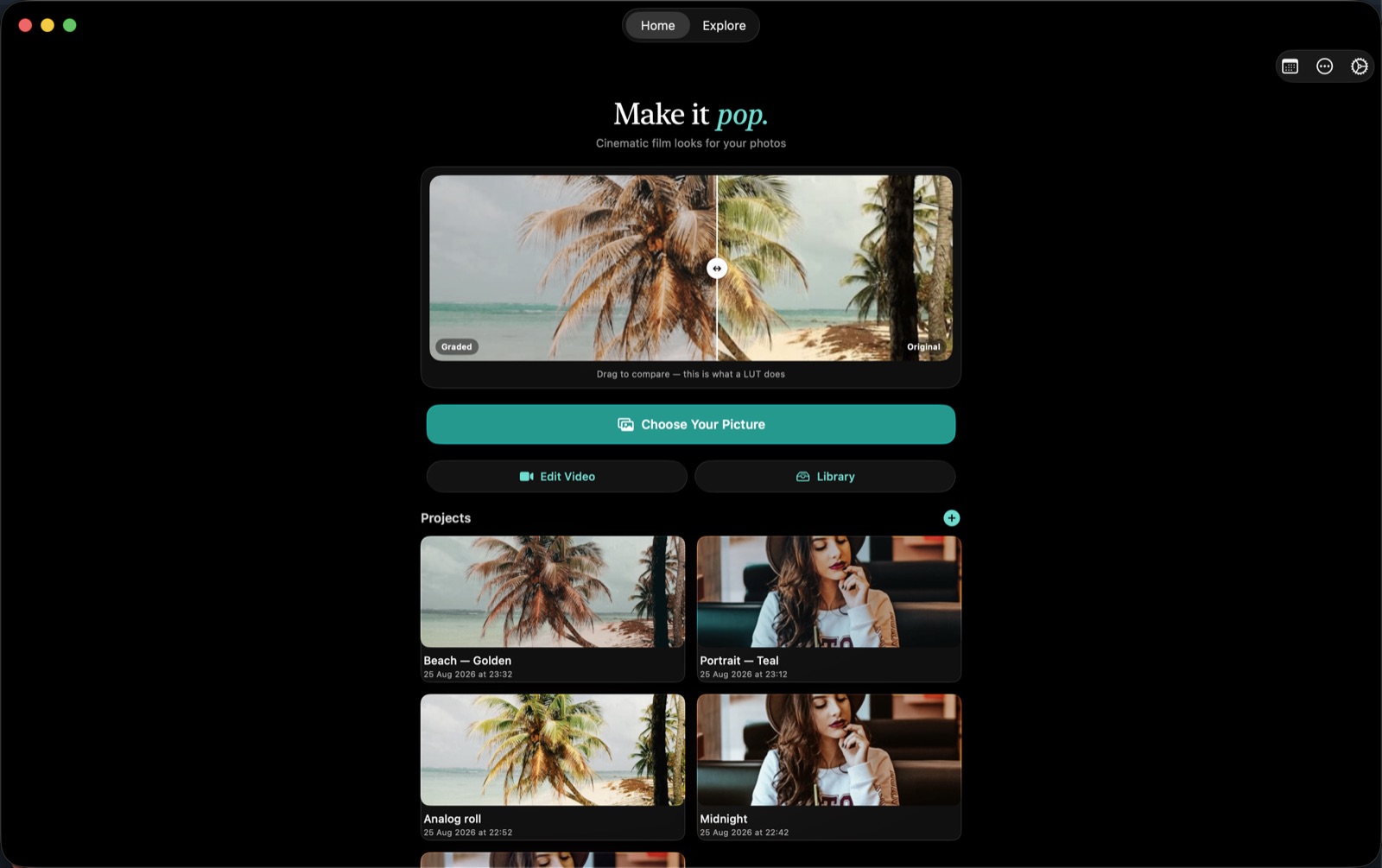
Filmode on the Mac — the same editor, in a desktop window
A Mac Catalyst build of the whole app: bigger canvas, a 380 pt tool panel, drag and drop from Finder, keyboard shortcuts, Body Retouch and heal — and an honest list of what is not there.
3 min read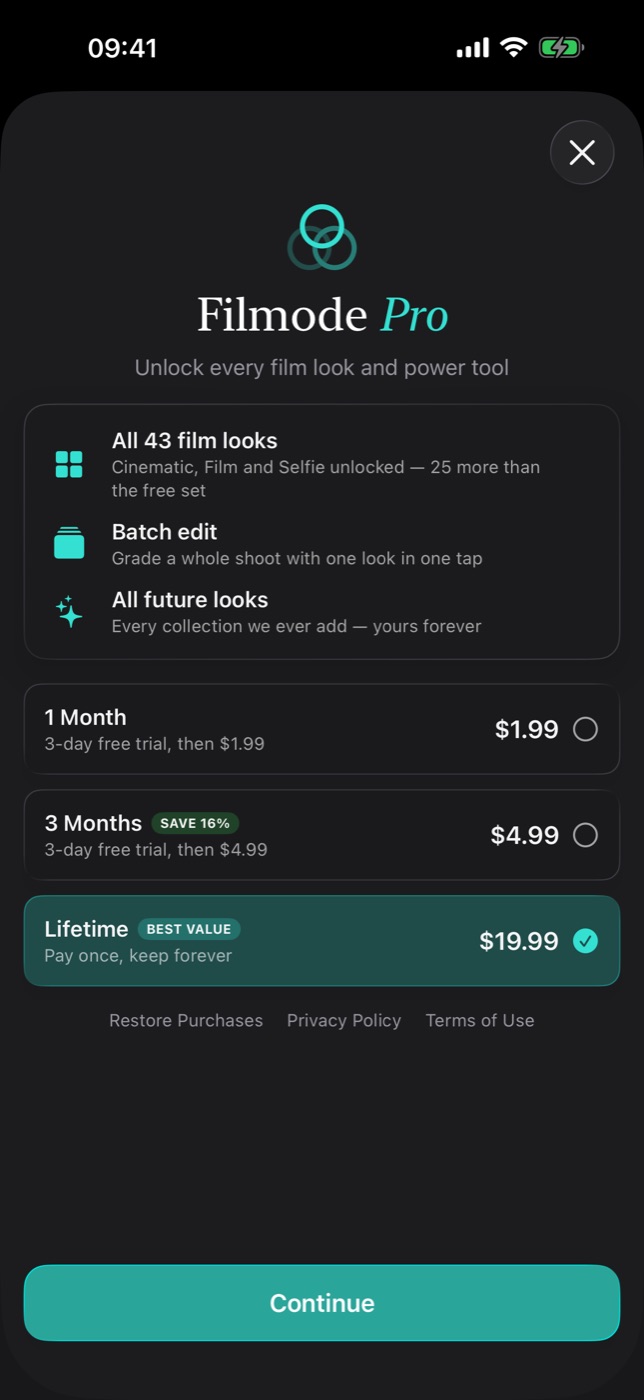
Pro, imported presets and the Filter Store — how the library grows
What the free tier includes, what Pro unlocks, how to import your own .cube and .xmp presets, and the settings worth changing on day one.
3 min read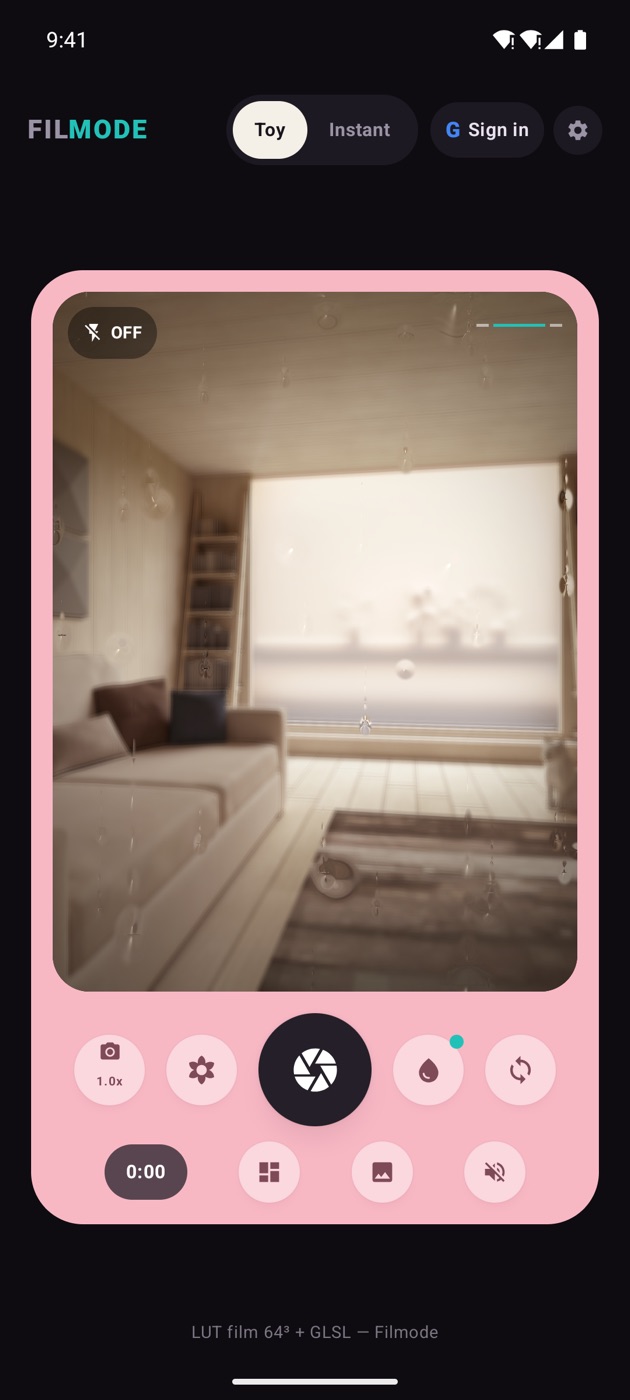
Filmode Vibe on Android — two skins, five effects, seven looks
A toy film camera with a real-time GPU pipeline: rain, halation, VHS, frost and grain, seven film LUTs, 15-second video with the effects baked in, and an instant print that develops in your hand.
3 min read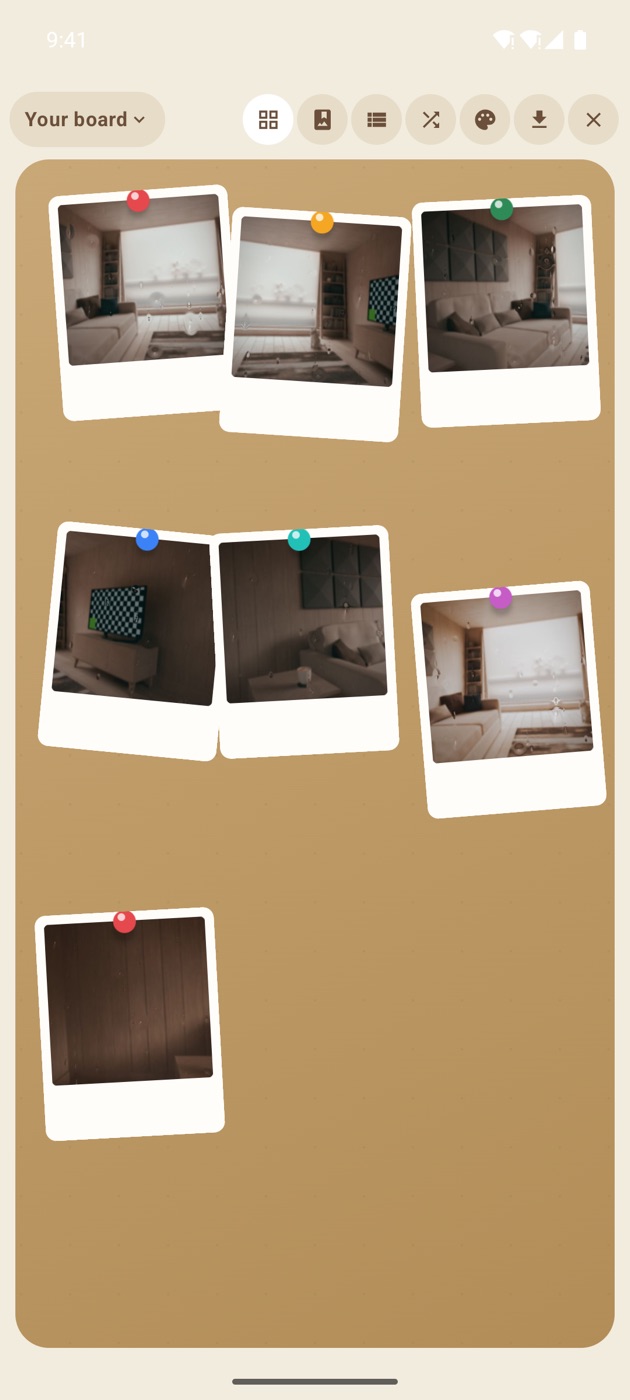
The Vibe board — pinned polaroids, three views, and shared boards in the cloud
Drag rotated prints around a cork board, flip to a list or an album, save the whole arrangement as one image, and invite people to a shared board with a link or a QR code.
4 min readGet Filmode
Free on the App Store for iPhone, iPad and Mac. Filmode Vibe is on Android, and the web camera runs in any browser.