Filmode Vibe on Android — two skins, five effects, seven looks
A toy film camera with a real-time GPU pipeline: rain, halation, VHS, frost and grain, seven film LUTs, 15-second video with the effects baked in, and an instant print that develops in your hand.
On this page
Filmode Vibe is the other half of Filmode: not a grading suite, a camera. It runs on Android as its own app, and the same camera runs in any browser at filmode.app/vibe. Everything it does happens live, on the GPU, before you press the shutter.
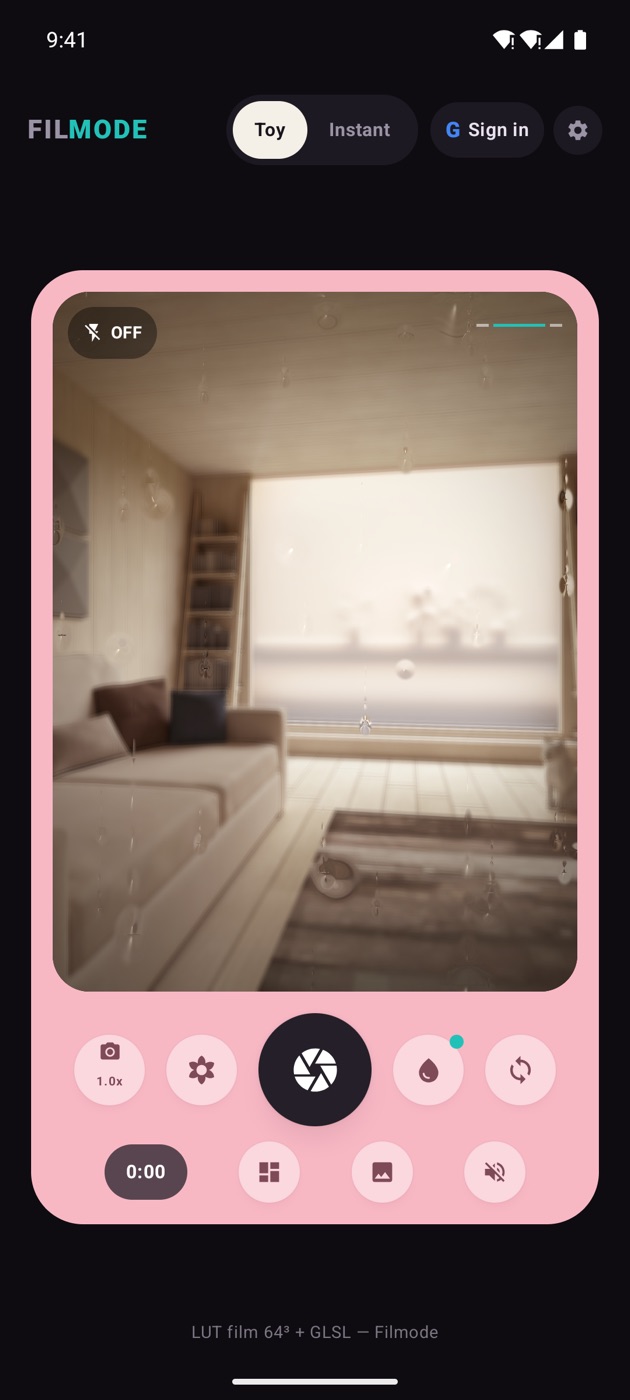
Two skins
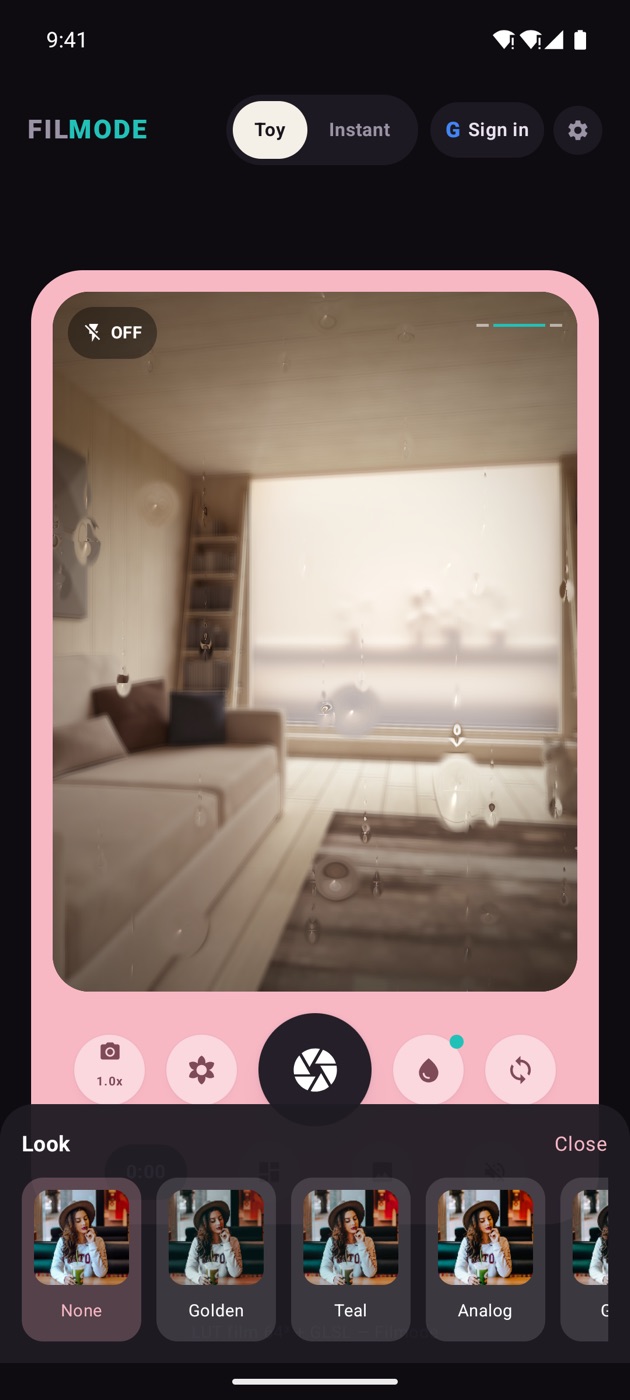
Toy is the everyday shell: viewfinder, effect rail, look rail, big shutter.
Instant is a polaroid camera. Press the shutter and a print physically ejects from the bottom of the body, then develops in front of you before the result dialog opens. It is slower on purpose, and it changes how you shoot — you take fewer frames and you mean them more.
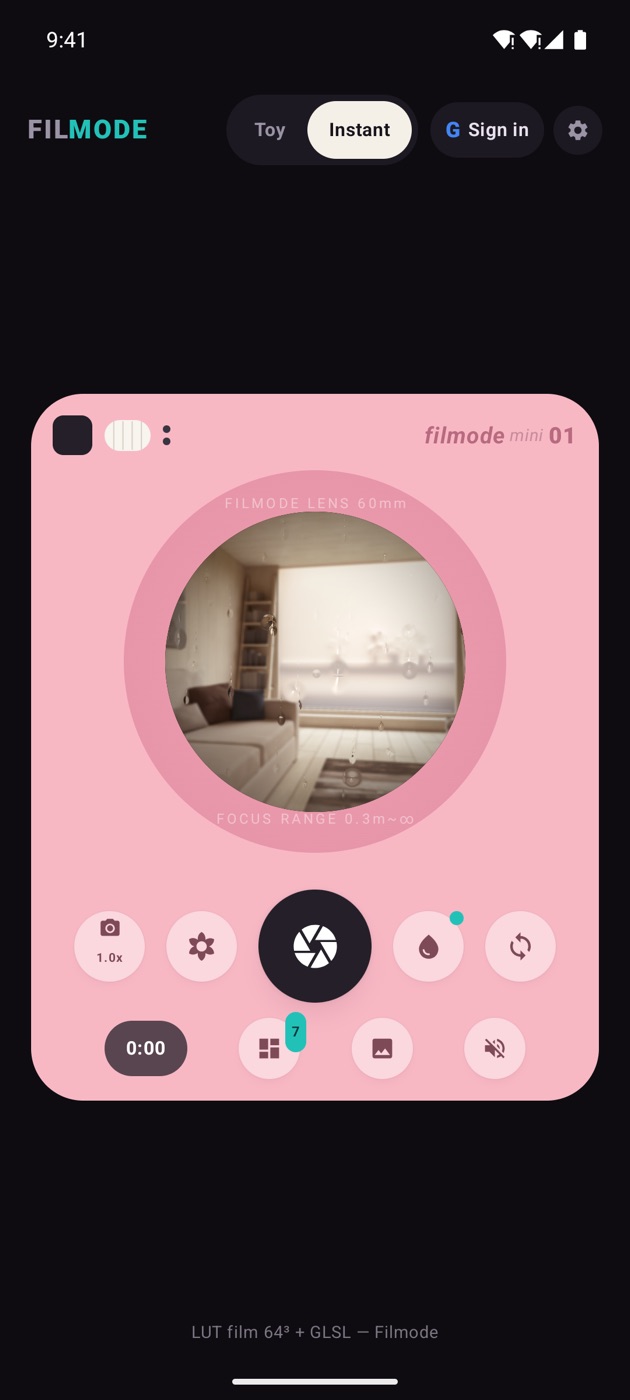
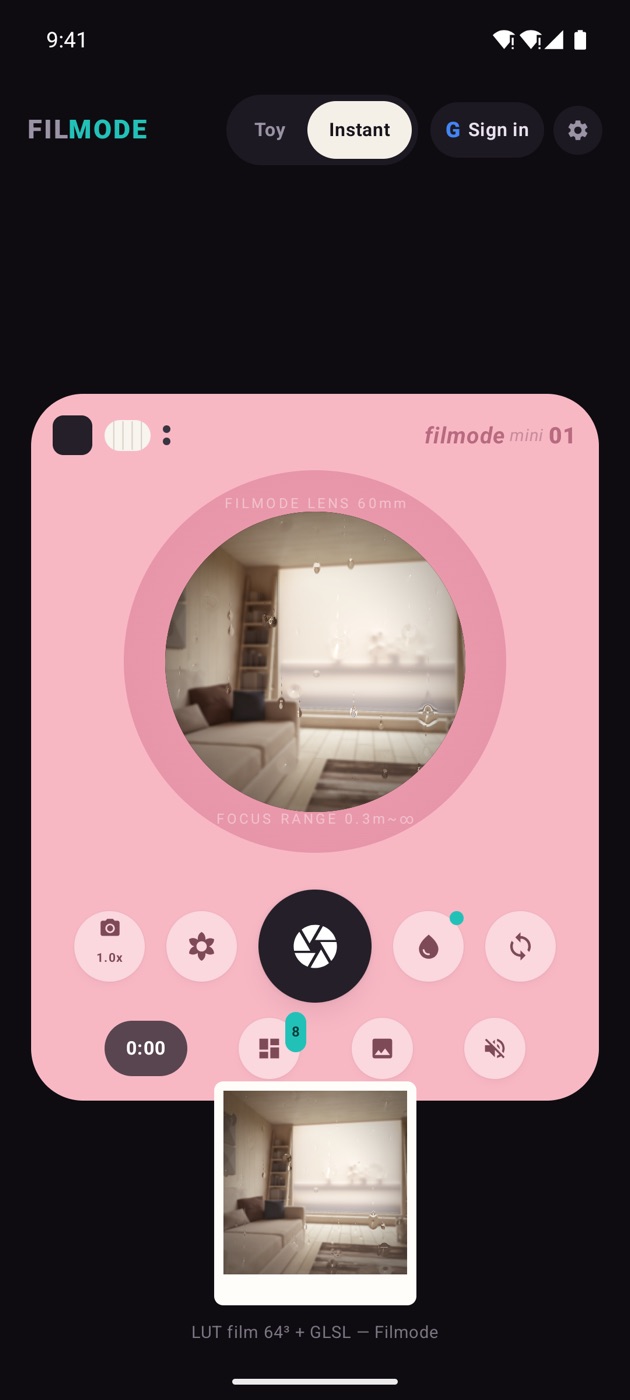
The pipeline
Every frame goes through the same OpenGL ES 2.0 chain, in this order:
source → cover fit → digital zoom / mirror → effects → 64³ film LUT → grain → vignette
The order matters. Effects go on before the LUT, so the grade colours the effect rather than sitting on top of it — halation picks up the warmth of Golden, VHS artefacts take on the coldness of Midnight. That is why a Vibe photo looks like one image rather than a photo with a sticker on it.
Five effects
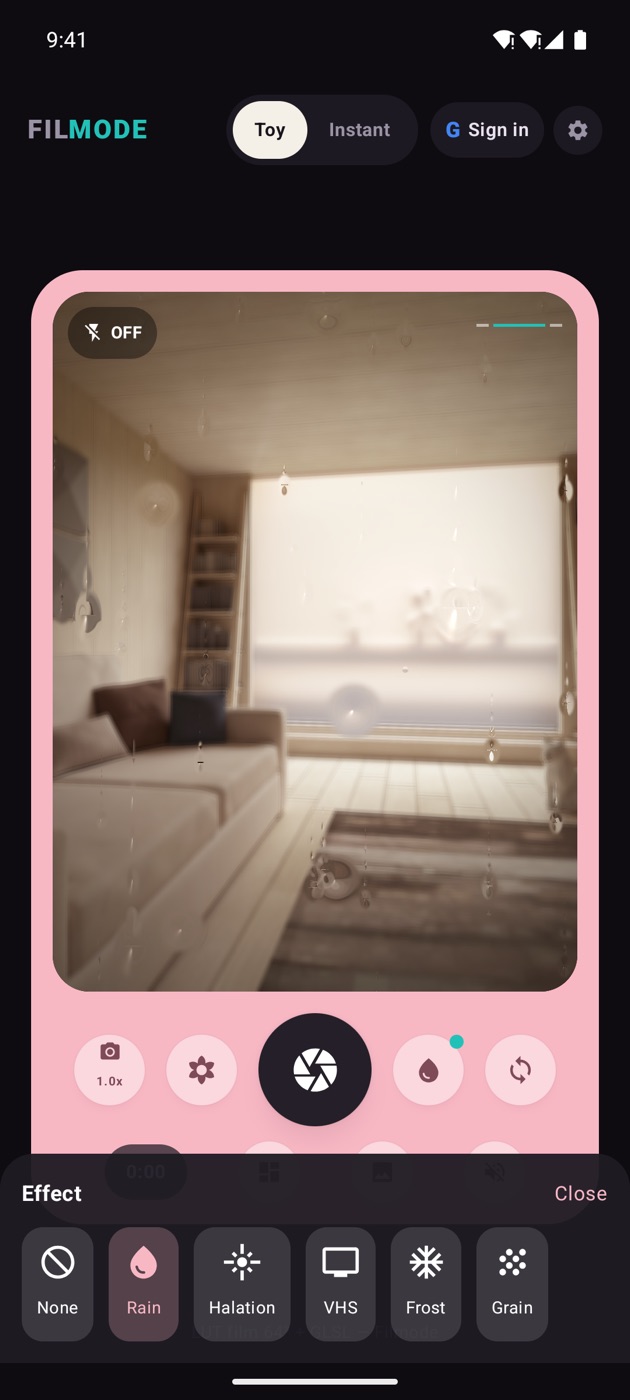
| Effect | What it does |
|---|---|
| Rain | Refracting droplets with trails, running down the frame |
| Halation | The warm bloom that film gets around bright edges |
| VHS | Scanlines, tracking artefacts, chroma bleed |
| Frost | A frozen, diffused window between you and the subject |
| Grain | Film grain over the whole image |
Seven looks
None · Golden · Teal · Analog · Glow · Midnight · Mono — the same LUT PNGs the web and iOS apps use, so a shot from the Android camera matches one from the browser.
Style recipes
Effects and looks are meant to be combined. Five that work:
- Rainy café — Golden + Rain
- Late-night city — Midnight + Halation
- 90s throwback — Analog + VHS
- Frosted dream — Glow + Frost
- Classic film — Mono + Grain
Tap for a photo, hold for a video
- Tap the shutter — a photo, rendered offscreen at 1440 px so it is sharper than the preview you framed with.
- Hold the shutter — video, up to 15 seconds, with the effects baked in. The encoder shares the preview's GL context, so what you recorded is what you saw. Microphone is optional.
The rest of the body
- Flash — a real LED torch on the rear camera; on the front, a screen-flash pop
- Digital zoom — cycles 1.0× → 1.5× → 2.0×
- Flip between front and rear
- Spirit level — an accelerometer-driven horizon, so you stop posting tilted frames
Photobooth
Photobooth uses ML Kit selfie segmentation to cut you out and composite you over one of six gradient backgrounds — and the LUT and effects still apply on top of the composite, so it is not a flat green-screen trick.
Frames on the way out
When you are done, the result dialog offers seven print frames — Polaroid, Booth, Cutie, Frame, Noir, Retro, Raw — plus a caption field. From there you can save to your gallery, share through the system sheet, retake, or send the shot to your board.
That board is the subject of the next post.
Getting it
Filmode Vibe runs on Android 8.0 and later, in English and Tiếng Việt. If you would rather not install anything, filmode.app/vibe is the same camera in a browser — and on iOS, Settings → Camera → Vibe Camera opens it from inside Filmode.