Filmode on the Mac — the same editor, in a desktop window
A Mac Catalyst build of the whole app: bigger canvas, a 380 pt tool panel, drag and drop from Finder, keyboard shortcuts, Body Retouch and heal — and an honest list of what is not there.
On this page
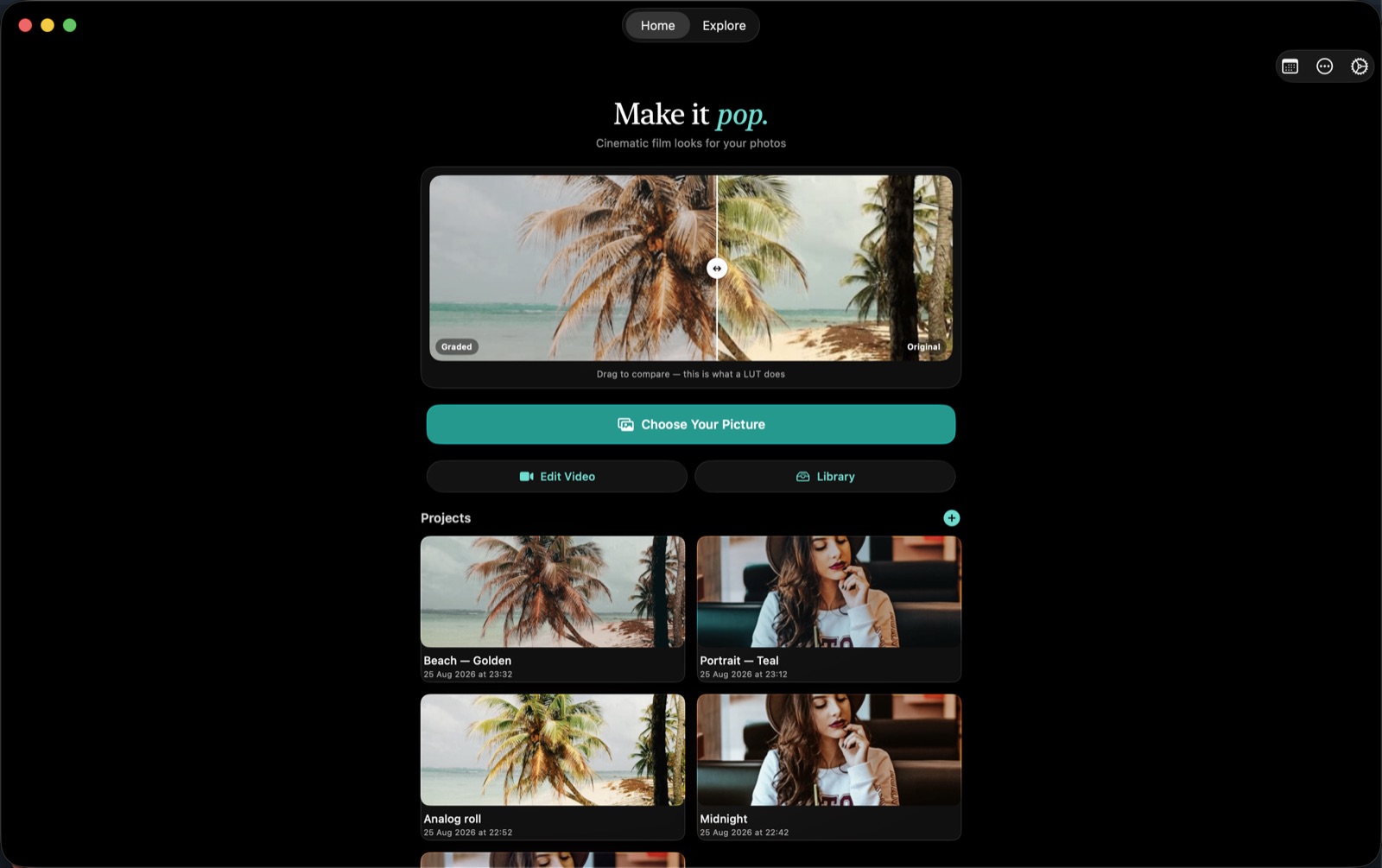
The filmode app target also builds for My Mac (Mac Catalyst), so the photo and video editor you know from the iPhone runs as a real desktop window on macOS 12 and later. Same App Store account, same purchases, same projects workflow.
The window
- Resizable, minimum 1000×700 — enough for the canvas plus the 380 pt editor side panel
- Borderless title bar, pure-black chrome, consistent with the app's look on the phone
- Standard macOS menu bar and full-screen support
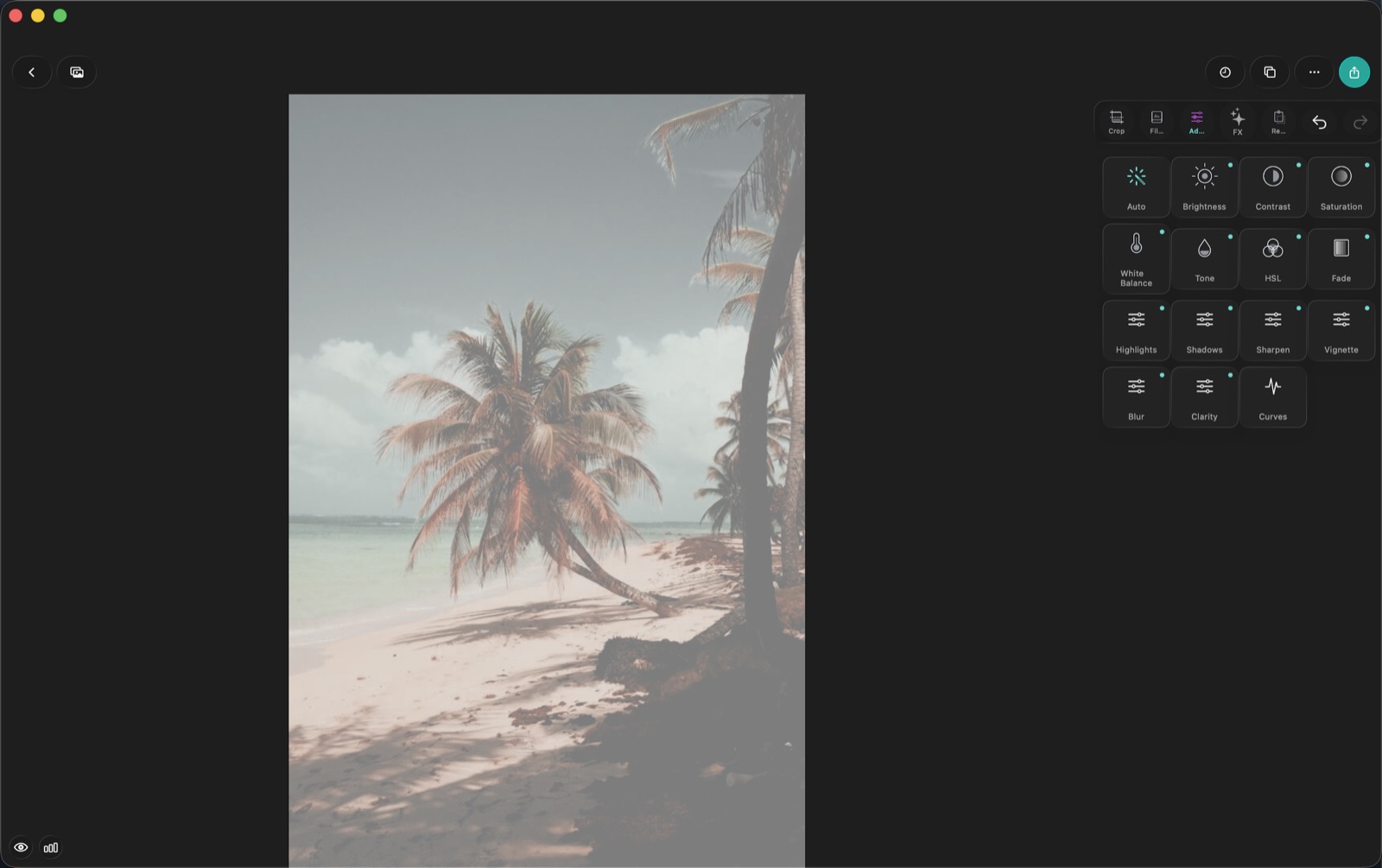
The layout you get is the regular-size-class one: canvas on the left, tool grid docked in the side panel, and in Video Studio a full-width timeline under the player. Nothing floats over the photo you are judging.
Preview rendering runs at 1280 px on the Mac — higher than the iPhone's 512 px — so what you see while dragging a slider is closer to the final render.
What the desktop adds
Two things the phone build does not have:
- Body Retouch — waist, belly, slim, height, and auto face beauty
- Heal
And two things a desktop is simply better at:
- Drag and drop. Pull an image out of Finder or Photos onto the photo editor and it loads. Drop movie files onto Video Studio and a project starts.
- The keyboard. ⌘Z and ⇧⌘Z undo and redo in both editors. In Video Studio: Space to play, ←/→ to step a frame, ⌥←/⌥→ to jump cut to cut, ⌘B to split, ⌘E to export.
Getting photos in and presets out
| Direction | How |
|---|---|
| Photos in | System Photos picker, Files/Finder import, or drag and drop |
| Presets in | .cube LUTs, .xmp Lightroom presets, LUT images |
| Presets out | Export to .cube or .xmp through the share sheet |
| Photos and videos out | macOS share sheet, or Save to Photos |
Preset export is the one that is easy to miss and genuinely useful: build a look in Filmode, export it as a .cube, and it goes into Premiere, Resolve, or anyone else's pipeline.
Explore and the store work as they do on iOS
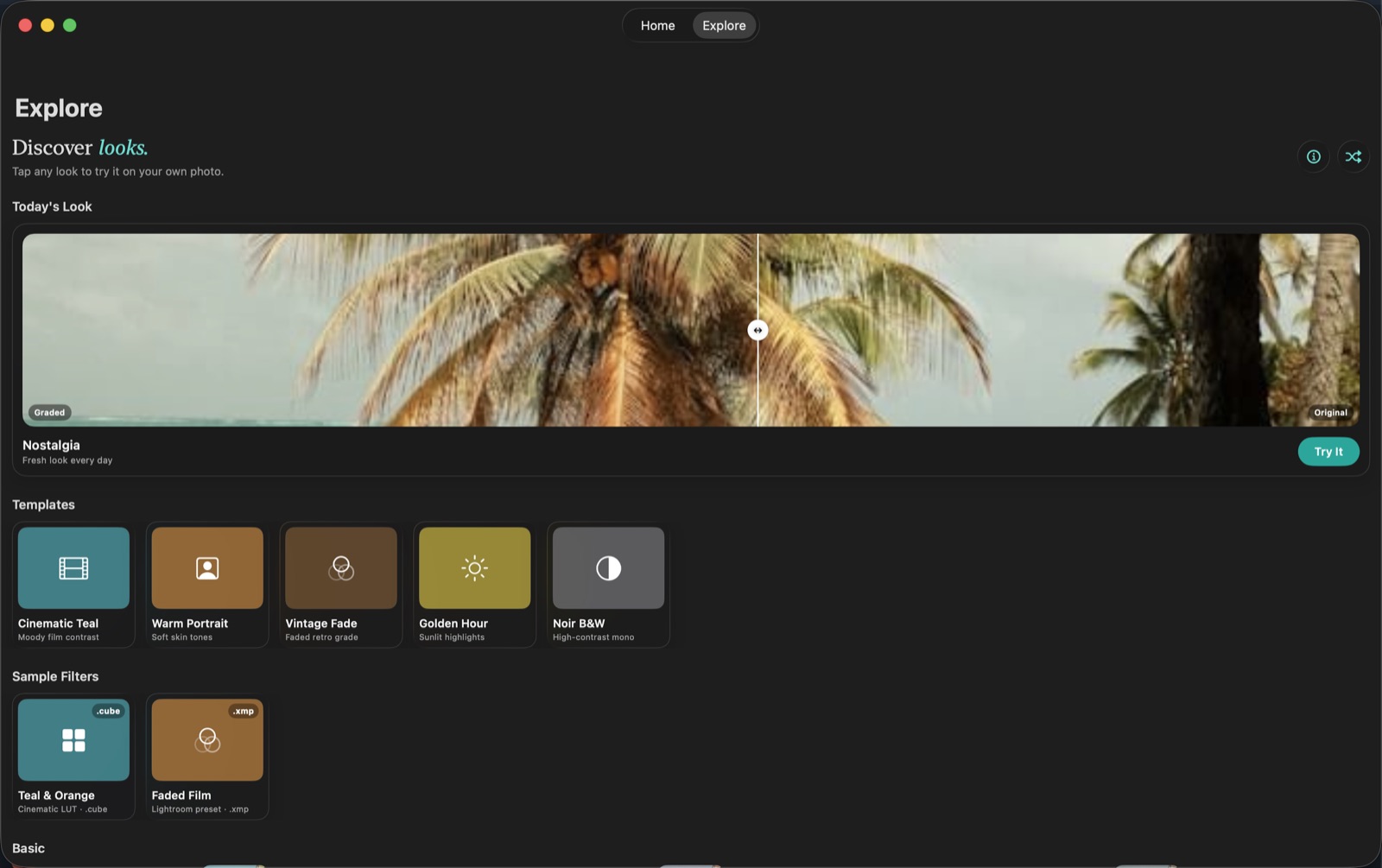
The Explore tab, the LUT gallery, curated templates and the Filter Store are all present. StoreKit purchases and Restore work through the same App Store account, so Pro bought on the iPhone is Pro on the Mac.
The adjustment panel is worth seeing at this size — thirteen-plus tools with the canvas still fully visible next to them.
What is not on the Mac
Rather than shipping greyed-out buttons, the desktop build hides what does not belong:
- Live LUT Camera — the Camera tab, Home's Shoot with LUTs, the Settings toggle and the Memories camera are all hidden
- Live Activities
- App Clip
- Share and action extensions
- Haptics
If you want a camera on the desktop, the Vibe web camera at filmode.app/vibe runs in the browser.
Where the Mac fits
The honest division of labour: shoot on the phone, finish on the Mac. The phone has the camera and it is what is in your pocket. The Mac has the screen size, the pointer precision, the keyboard, and drag-and-drop from wherever your files already live. Projects sit in the same app on both, so moving between them is not an export-and-import chore.